Best value SSD in 2026: nine NVMe, SATA and portable drives compared on endurance, speed and what a PS5 will accept
 m8d.ioUpdated on
This guide contains affiliate links. As an Amazon Associate, m8d.io earns from qualifying purchases, at no extra cost to you.

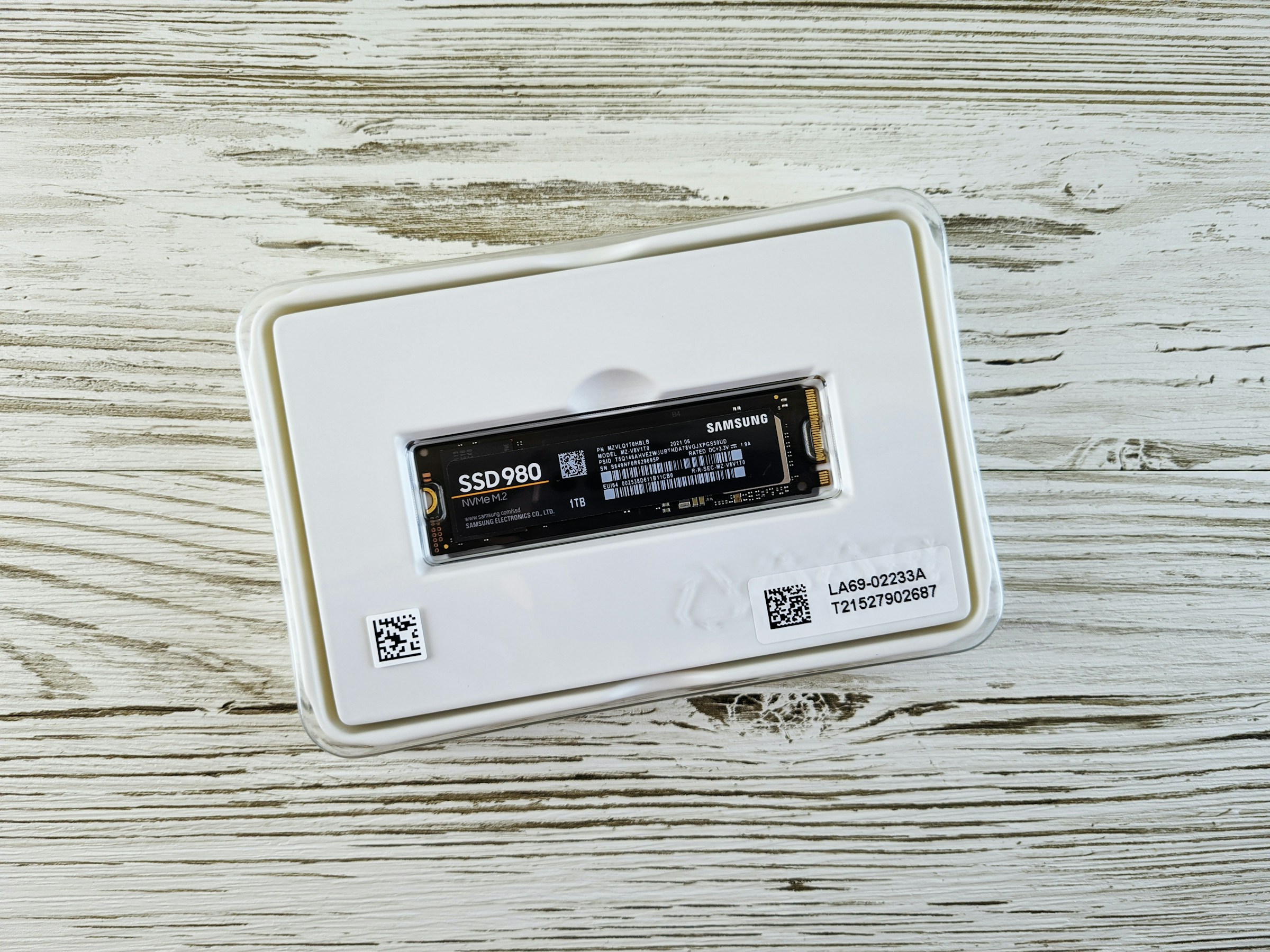
WD_Black SN7100 1TB
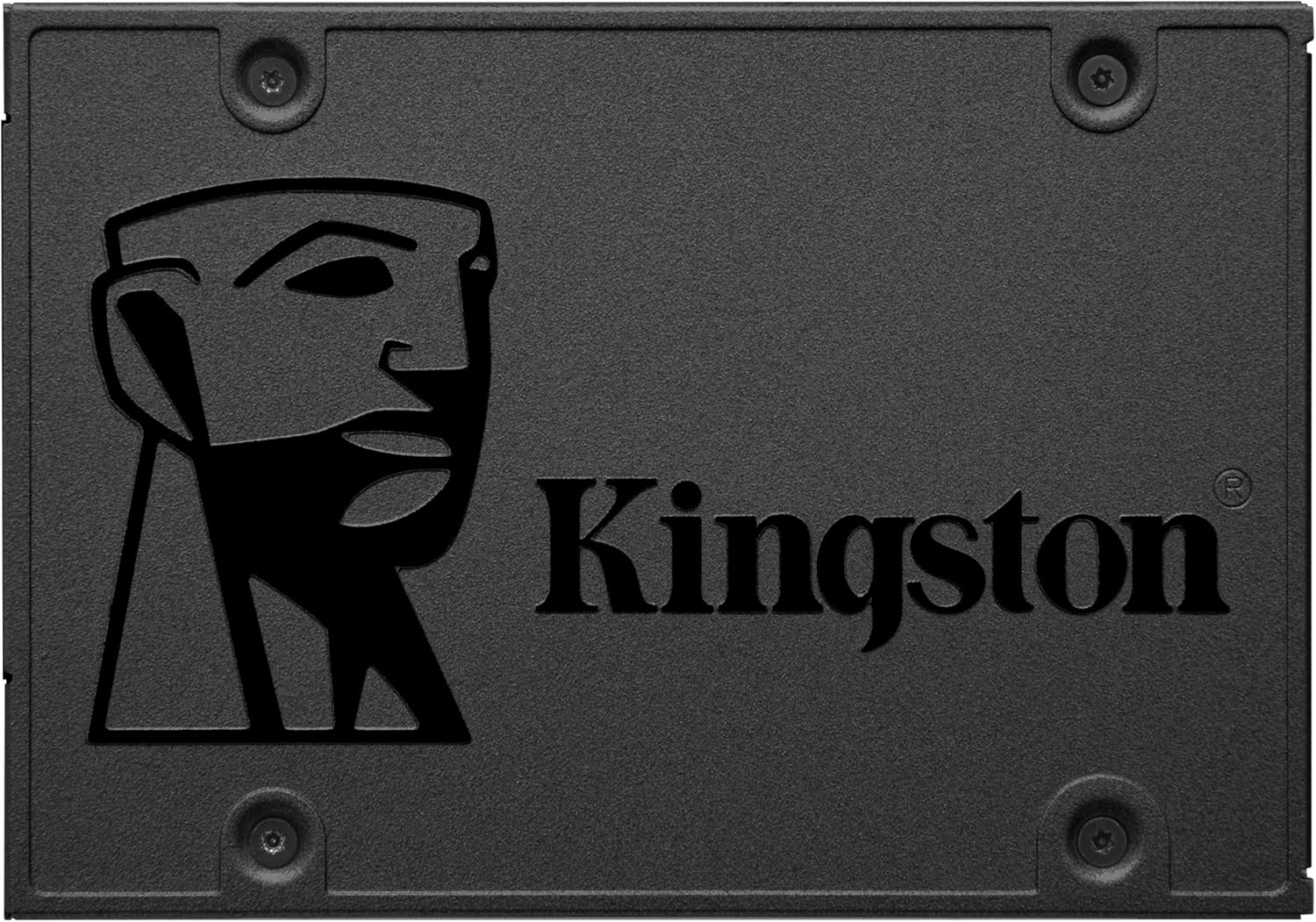
Kingston A400 960GB
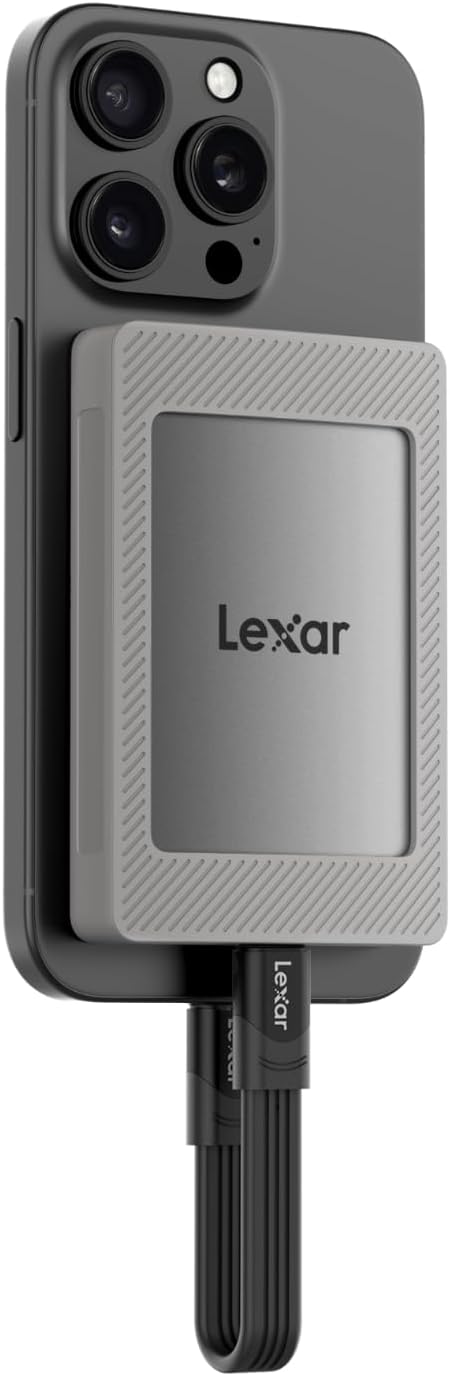
Lexar ES4 2TB
The best value SSD in 2026 is the WD_Black SN7100 1TB if your machine takes an M.2 drive: 7,250 MB/s of PCIe Gen4, a 600 TBW endurance rating and a five-year limited warranty, and it clears Sony's published bar for the PS5 by a wide margin. If your machine only takes SATA, the Kingston A400 960GB is the one that goes in anything with a 2.5-inch bay. And if you want storage you can carry, the Lexar ES4 2TB gives you the most gigabytes of any drive on this page.
- An SSD warranty has two clocks and the first one to run out wins. Five years or 600 TBW on the WD_Black; three years or 300 TBW on the Kingston. Almost nobody reaches the second one, and section one shows the arithmetic.
- The jump that changes a machine is mechanical disk to SSD. SATA to NVMe only shows up when you move large files, and section seven puts a number on it.
- Sony publishes an exact requirement for the PS5, including a maximum thickness that catches out anyone who buys a drive with a chunky heatsink. It is in section five, in Sony's own numbers.
- Sequential speed on the box is a burst, not a sustained rate. Every consumer drive has a fast cache that fills up, and what happens next is the number nobody prints.
- The smallest drives cost the most per gigabyte, by a factor of three. Section four ranks all nine without quoting a single price.
Choosing the best value SSD in 2026 depends on what your machine will physically accept, not on which drive is fastest. This guide covers nine drives in three shapes, M.2 NVMe, 2.5-inch SATA and portable USB, and starts with the specification that no listing puts on the front of the box and that every one of these makers publishes: how much writing the drive is warranted for.
Endurance, and the number that ends the warranty before the years do
An SSD warranty is two limits on one promise: a number of years and a number of terabytes written, and it ends at whichever arrives first. Western Digital publishes 600 TBW and five years for the 1 TB SN7100. Kingston publishes 300 TBW and three years for the A400. Divide one by the other and you get the daily writing allowance each maker is actually underwriting.
Six hundred terabytes across five years is about 330 GB of writing every single day, weekends included, for the whole warranty. Three hundred terabytes across three years is about 270 GB a day. A normal machine, one that installs games, edits photographs, keeps a browser open and runs Windows updates, writes a small fraction of that. The endurance figure is not a threat: it is a ceiling that almost no home user goes anywhere near, and knowing the number is what stops you paying for a drive rated for a workload you will never run.
Where it does bite is a narrow set of jobs: writing video every day, running a machine that records continuously, or using a small drive as a scratch disk. Two things make it worse. The first is capacity, because endurance scales with it and a 128 GB drive has a fraction of the allowance of a 1 TB one. The second is that a nearly full drive rewrites the same cells more often, which is why leaving a fifth of the drive empty is real advice and not superstition.
The manufacturer's limited warranty is a promise from the manufacturer, and it is the one the terabytes-written figure limits. Your rights against the shop that sold you the drive are a separate thing: under the Consumer Rights Act 2015 goods have to be of satisfactory quality, that obligation sits with the retailer rather than the maker, and nothing in it is measured in terabytes. In England and Wales a claim for breach of that statutory right can be brought for six years from delivery, and five years in Scotland. We are not a legal service and this is not legal advice; the Act is on legislation.gov.uk if you want to read it. The practical point is simply that "out of warranty" and "out of options" are not the same sentence.
Which kind of SSD fits your machine
There are three shapes. M.2 NVMe, a stick that clips flat onto the motherboard, is the fast one and the only one a PS5 will take. 2.5-inch SATA is a small box that goes in a drive bay and will work in almost anything. Portable USB plugs into the outside. What decides this is your machine, not your budget: an NVMe stick will not go into a laptop that only has a SATA bay.
The one-minute check. If the machine is from 2018 onwards it almost certainly has an M.2 slot with NVMe support, and the SN7100 is the drive. If it is older, open the specification page for your exact model and search for "M.2": if the words are not there, your option is 2.5-inch SATA and the A400 is the drive. And if what you want is to carry files between machines or keep a copy off the computer, you want a portable one and the ES4 is the drive.
One thing that trips people up on laptops: some machines have an M.2 slot that is wired for SATA rather than NVMe. The stick fits, the machine boots, and the speed is the SATA ceiling. If the specification says "M.2 SATA" rather than "M.2 NVMe" or "PCIe", that is what you have.
The nine drives side by side
| Drive | Kind | Capacity | Declared read | Interface | Best for |
|---|---|---|---|---|---|
| WD_Black SN7100Top pick | NVMe M.2 | 1 TB | 7,250 MB/s | PCIe Gen4 x4 | Modern desktop, laptop or PS5 |
| Lexar EQ790 | NVMe M.2 | 1 TB | 7,000 MB/s | PCIe Gen4 x4 | The same job for less outlay |
| Kingston A400 | SATA 2.5 in | 960 GB | 500 MB/s | SATA III | Reviving any machine with a bay |
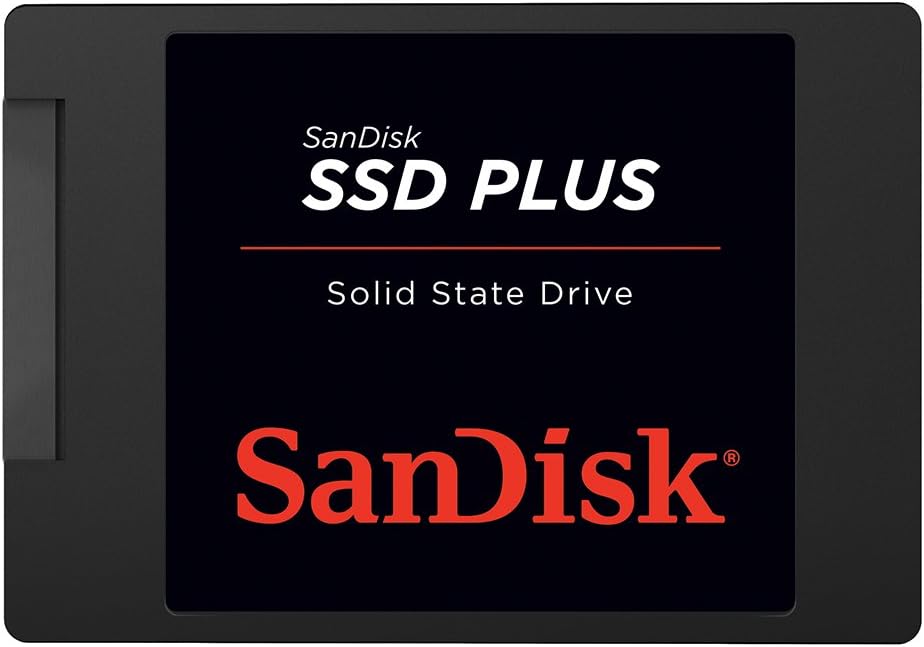
| SanDisk SSD Plus | SATA 2.5 in | 250 GB | 545 MB/s | SATA III | Cloning software in the box |
| Patriot P220 | SATA 2.5 in | 128 GB | 550 MB/s | SATA III | Minimal machines only |
| Lexar ES4 | Portable | 2 TB | 1,050 MB/s | USB 3.2 Gen2 | The most storage on this page |
| SanDisk Extreme | Portable | 1 TB | 1,050 MB/s | USB 3.2 Gen2 | Outdoors: IP65 and a 3 m drop rating |
| Lexar ES3 | Portable | 1 TB | 1,050 MB/s | USB 3.2 Gen2 | 42 grams, pocket sized |
| Samsung T9 | Portable | 2 TB | 2,000 MB/s | USB 3.2 Gen2x2 | Only with a port that supports it |
Read speeds are the sequential figures each manufacturer declares, which is the number on the box and the number in section six that does not survive a long transfer. The interface column is the one to read first: the Samsung is the only drive here that needs a port most machines do not have.
Which of the nine gives you the most storage for what it asks
Storage is the one component where the cheapest thing on the shelf is usually the worst deal, and it is easy to prove without quoting a single figure of money. Take what each drive asks, divide it by the gigabytes it holds, and express every drive as a multiple of the best one on the page. That is the whole table, and it holds its shape whatever the local pricing does.
| Drive | Capacity | Kind | Cost per gigabyte, as a multiple of the best |
|---|---|---|---|
| Lexar ES4best | 2 TB | Portable | 1.0x |
| Kingston A400 | 960 GB | SATA | 1.6x |
| Lexar EQ790 | 1 TB | NVMe | 1.8x |
| Lexar ES3 | 1 TB | Portable | 1.9x |
| WD_Black SN7100 | 1 TB | NVMe | 2.0x |
| SanDisk Extreme | 1 TB | Portable | 2.0x |
| Samsung T9 | 2 TB | Portable | 2.1x |
| Patriot P220 | 128 GB | SATA | 3.4x |
| SanDisk SSD Plus | 250 GB | SATA | 3.6x |
The two drives at the bottom are the two that look cheapest on a shelf. A 128 GB drive asks about three and a half times as much per gigabyte as a 2 TB one, and then Windows takes roughly 40 GB of it before you have installed anything, leaving something like 85 GB to live in. Buying it is paying a premium for the privilege of running out of room.
What the PS5 actually requires, and the millimetre that catches people out
Sony's support page publishes the requirement, and it is more specific than most listings suggest. A PCI-Express Gen4x4 M.2 NVMe SSD, Key M, from 250 GB to 8 TB, in form factor 2230, 2242, 2260, 2280 or 22110, with 5,500 MB/s or faster recommended, and a cooling structure such as a heatsink. Both NVMe drives on this page clear the speed bar with room to spare.
The part that catches people is not the speed, it is the tape measure. Sony publishes a maximum module size of up to 25 mm wide and up to 11.25 mm thick including the cooling, split as up to 8.0 mm above the board and up to 2.45 mm below it. Plenty of drives sold as "PS5 ready" ship with a tall aluminium heatsink designed for a desktop motherboard, and a tall heatsink is exactly what does not fit under the console's cover. If you are buying a bare drive, buy a thin, single-sided heatsink for it. If you are buying one with a heatsink attached, check the thickness before the speed.
| Drive | Will PS5 games run from it? | Declared read | Against Sony's bar |
|---|---|---|---|
| WD_Black SN7100 | Yes, add a thin heatsink | 7,250 MB/s | Well above the 5,500 MB/s recommended |
| Lexar EQ790 | Yes, add a thin heatsink | 7,000 MB/s | Well above |
| Kingston A400 and the other SATA drives | No | 500 to 550 MB/s | Wrong interface entirely |
| Portable USB drives | Storage only, and PS4 games | 1,050 to 2,000 MB/s | Not an internal expansion slot |
The last row is worth spelling out because it is a common disappointment: a USB drive plugged into a PS5 can hold PS5 games and run PS4 ones, but a PS5 game has to be copied back to internal storage before it will launch. That is a Sony design decision about how fast the console needs to read, not a limitation of the drive. If your headset arrived with the same kind of surprise, the connection rules are in our PS5 headset guide.
The speed on the box is a burst: what happens when the cache fills
Every consumer SSD writes fast at first and slower later, and the reason is a design choice rather than a fault. The drive keeps a slice of its flash running in a fast, one-bit-per-cell mode as a landing zone, takes writes into it at full speed, and tidies them into the dense storage afterwards. That landing zone is finite. Fill it in one go and the write speed drops to whatever the dense flash can do on its own, which on a mainstream drive is a small fraction of the headline number.
The sequential figure on the box is the speed of the first few tens of gigabytes, not the speed of a transfer. If a drive's own listing quotes only a peak figure and says nothing about sustained writing, assume the sustained number is far lower, and judge the drive on capacity and endurance instead. Nobody is lying: the burst figure is real and it is the one that describes daily use. It is just not the number that describes moving a video project.
There is a second version of the same idea worth knowing about, because it explains a specification you will see on the SN7100 and on most drives at this level. A cheaper controller has no memory chip of its own for its address map and borrows a slice of system memory instead, which manufacturers call host memory buffer. In ordinary use, installing things, launching games, opening projects, you will not detect it. Emptying a camera card of 200 GB in one pass is where it shows. If your working day is measured in terabytes moved, look for a drive that says it has its own cache memory; for everyone else this is a specification to understand and then stop worrying about.
Moving 50 gigabytes: what the declared speeds actually mean
Declared sequential read for each kind of drive, and the arithmetic that turns it into a wait. Switch tabs to see the time rather than the speed.
Read this honestly. Booting Windows from SATA rather than NVMe costs a few seconds and you will not feel it. Where NVMe pulls away is bulk: fifty gigabytes in seven seconds against a minute and a half. If you edit video, compile large projects or install enormous games, that difference lands on you several times a day. If you browse, write documents and watch things, the jump worth paying for is the one from a mechanical disk, which is the bottom bar and is in a different world from all of them.
The NVMe M.2 drives
PCIe Gen4 remains the sensible tier in 2026. Gen5 drives read faster on a benchmark, run considerably hotter and need serious cooling to hold their speed, and the gain only appears in professional workloads. For gaming, development and everything in between, Gen4 is where the value sits.
WD_Black SN7100 NVMe 1TB

The most complete drive on this page for a machine built in the last few years: top-tier declared speeds, a 600 TBW endurance rating, five years of limited warranty, and a power efficiency that means it holds its speed in a laptop without a heatsink strapped to it. It clears Sony's published bar for the PS5 by more than 1,700 MB/s.
- 7,250 MB/s declared, at the top of what Gen4 offers
- 600 TBW and five years: roughly 330 GB of writing a day for the whole period
- Runs cool enough not to need a heatsink in a normally ventilated machine
- No memory of its own for the address map: it borrows system memory instead
- Ships bare, so a PS5 build needs a thin heatsink added
Lexar EQ790 1TB
Two hundred and fifty megabytes a second below the SN7100 on paper, which on a ten-gigabyte transfer is a difference measured in tenths of a second. Its own specification sheet puts it above Sony's bar for the PS5 as well. This is the drive to take when the outlay matters more than the last few per cent of a benchmark.
The SATA drives, and why they refuse to die
The 2.5-inch SATA drive survives for one reason: it goes into anything, and swapping a mechanical disk for one is still the single largest improvement per unit of outlay in computing. A machine that took forty-five seconds to reach the desktop takes ten or twelve afterwards, and it is the same machine.
Kingston A400 960GB
Nearly a terabyte in the shape that fits every laptop and desktop drive bay made in the last fifteen years. It is the drive to buy when the question is "how do I make this old machine usable" rather than "how fast can this machine be".
- Goes in any machine with a 2.5-inch bay, no compatibility question to answer
- 960 GB: room for the operating system, programs and files without rationing
- 300 TBW over three years, which is about 270 GB of writing a day
- No cache memory of its own: copying thousands of tiny files slows down noticeably
- 500 MB/s declared, and the SATA interface itself tops out not far above it: no drive on this bus escapes that band
to move Windows without reinstalling
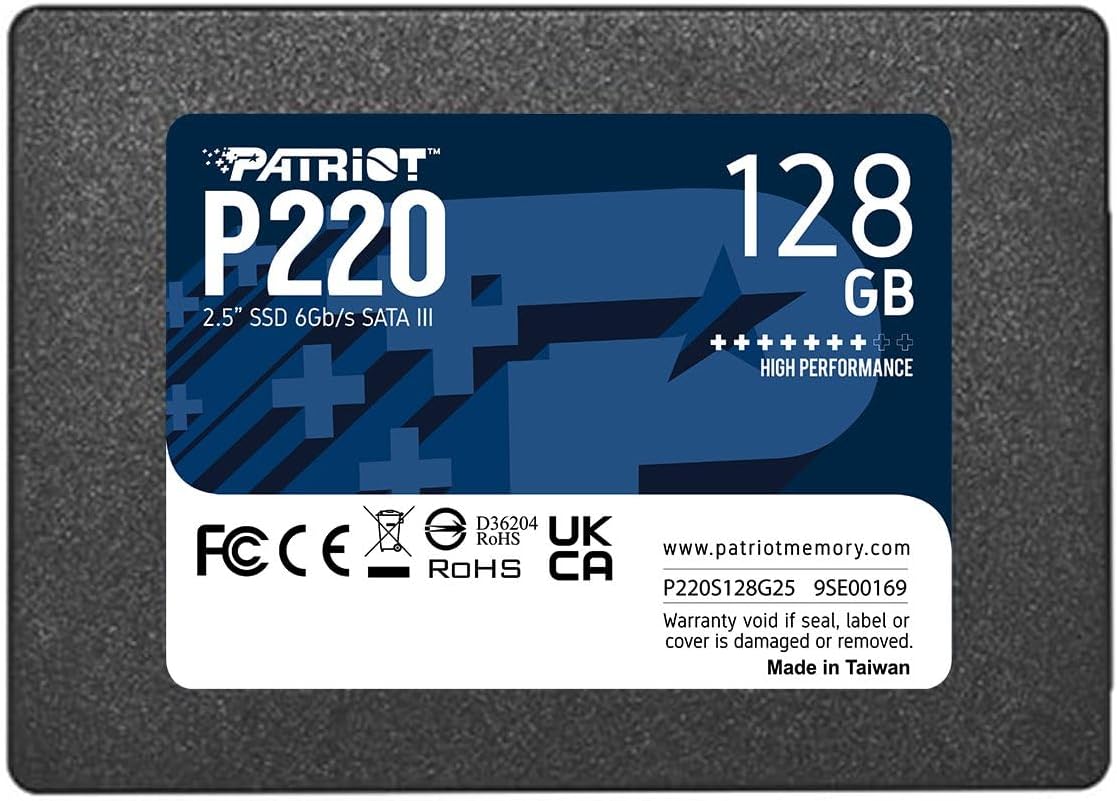
about 85 GB left once Windows is on
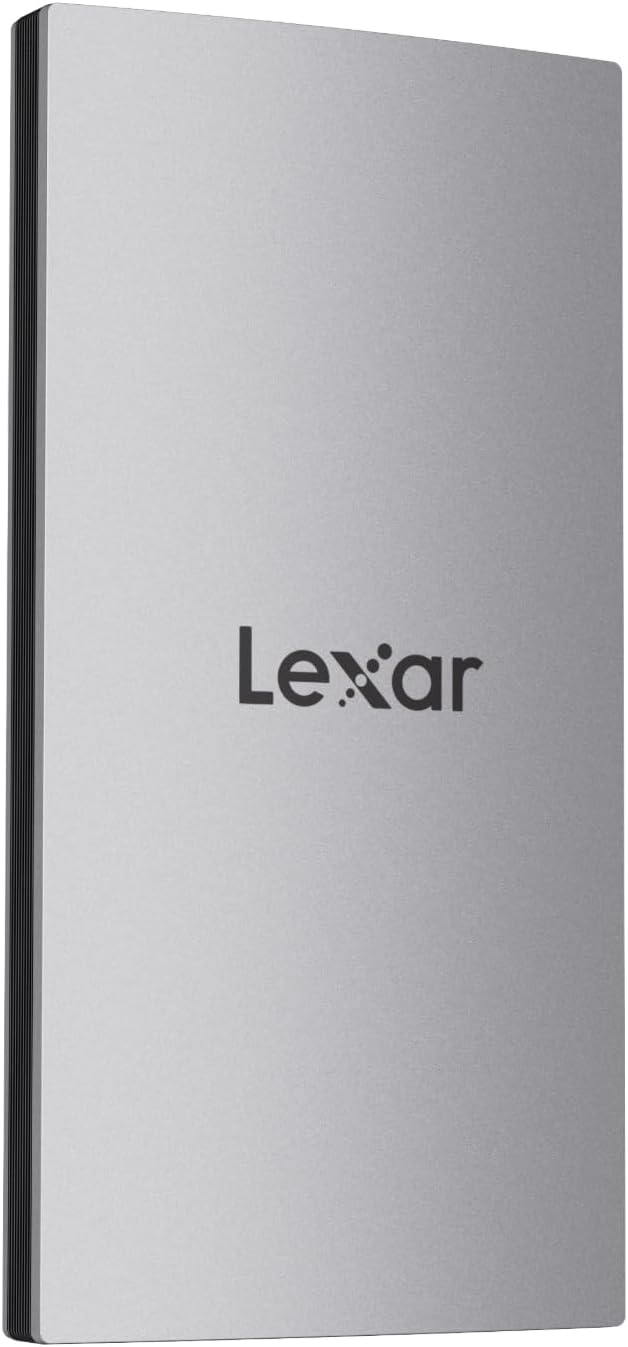
for phones, consoles and a coat pocket
The portable drives, and the port you probably do not have
Portable SSDs split into two groups that look identical in a listing: the ones that run at about 1,050 MB/s over an ordinary USB-C port, and the ones that promise 2,000 MB/s and need a port called USB 3.2 Gen2x2 to deliver it. That port is rare. It appears on a handful of desktop motherboards and on very few laptops, and if your machine does not have it the faster drive runs at the same speed as the cheaper one.
Lexar ES4 2TB (magnetic kit)
Two terabytes at the best storage-per-outlay ratio of the nine, in a drive small enough to live in a bag. The magnetic kit clips it to the back of a recent iPhone so video records straight onto the drive rather than onto the phone, which is the difference between one long take and a full storage warning.
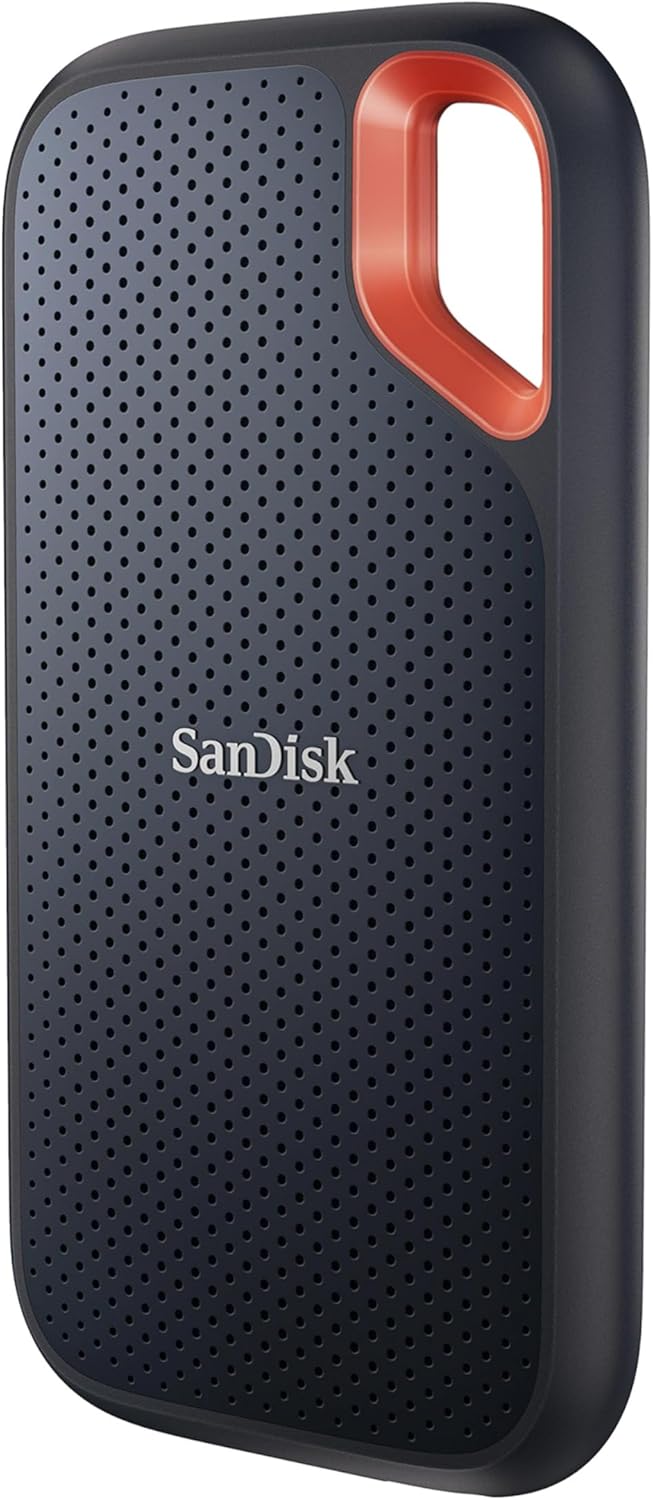
SanDisk Extreme Portable 1TB
The one to take out of the house. IP65 means sealed against dust and able to take a jet of water, and the maker rates it for a three-metre drop. If your work involves rain, mud, a van or a building site, that is worth more than any speed figure on this page.
View on AmazonThe Samsung T9 2TB declares 2,000 MB/s and it will reach it, on a USB 3.2 Gen2x2 port. That standard is uncommon: it turns up on some desktop motherboards and on very few laptops, and it is not the same thing as Thunderbolt or as an ordinary USB-C socket. On a normal USB-C port the T9 runs at roughly the same speed as the ES4, which holds the same two terabytes. So the decision is not about which drive is faster: it is about whether you have the port, and the answer for most people is no. Open your machine's specification page, search for "Gen2x2", and buy accordingly.
Six criteria: the declared read and write speeds from each manufacturer's own specification, storage per unit of outlay as a ratio rather than a price, endurance in terabytes written and the warranty length that goes with it, compatibility with older machines, modern boards and the PS5, and the interface each drive actually needs to reach its headline figure.
Every figure here carries its source. Speeds, endurance figures and warranty lengths come from each maker's published material. The PS5 requirements come from Sony's own support page for installing an M.2 SSD, read on 1 September 2026. Availability and specification variants were read from the Amazon Spain catalogue on 1 September 2026: availability, model variants and delivery times differ by country, so what your local Amazon shows may not match this list. No manufacturer pays to appear here or to appear first.
Questions about SSDs in 2026