Best mouse for work in 2026: eight compared on shape, click noise and battery, and the desk rule nobody applies
 m8d.ioUpdated on
This guide contains affiliate links. As an Amazon Associate, m8d.io earns from qualifying purchases, at no extra cost to you.
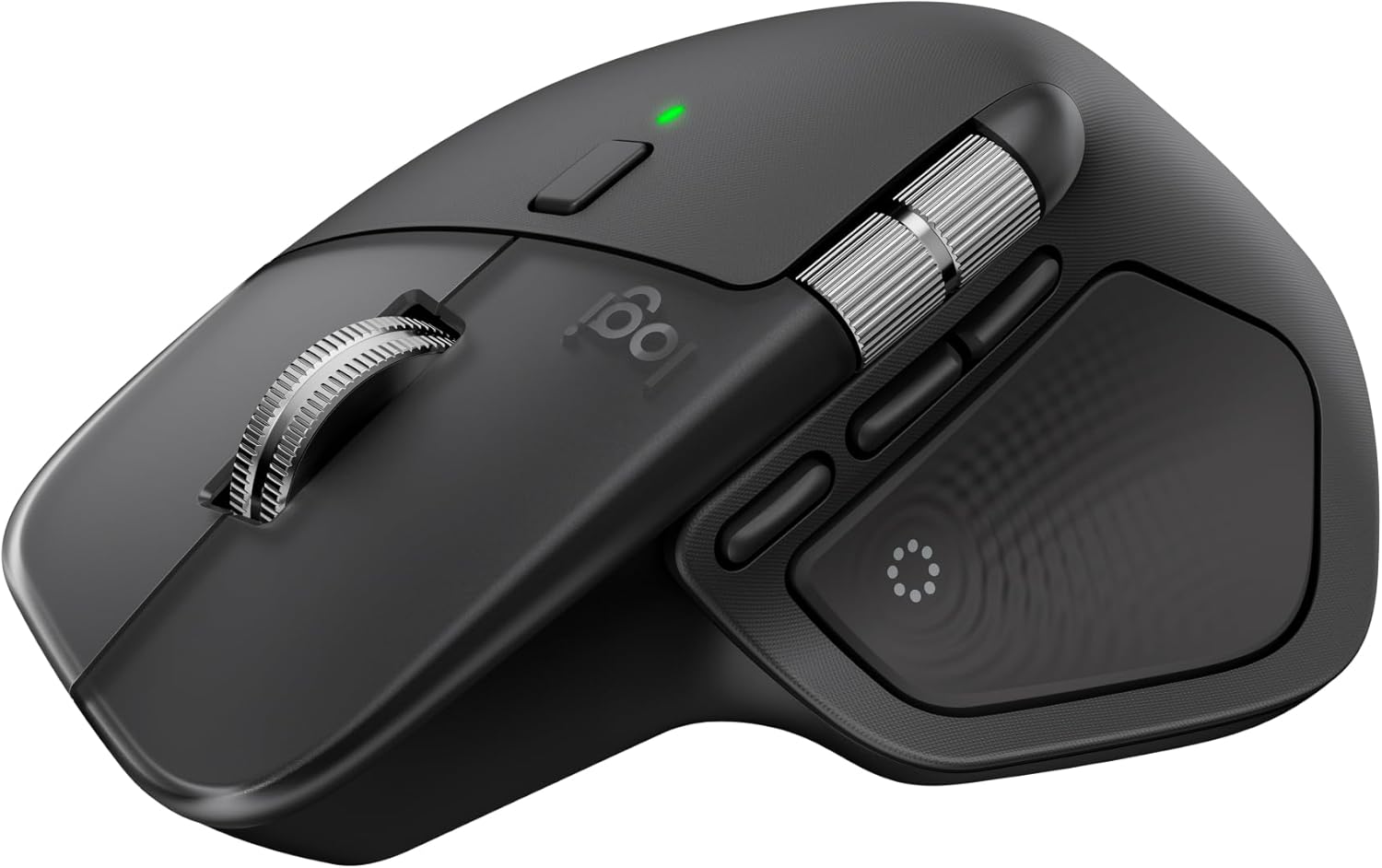
Logitech MX Master 4
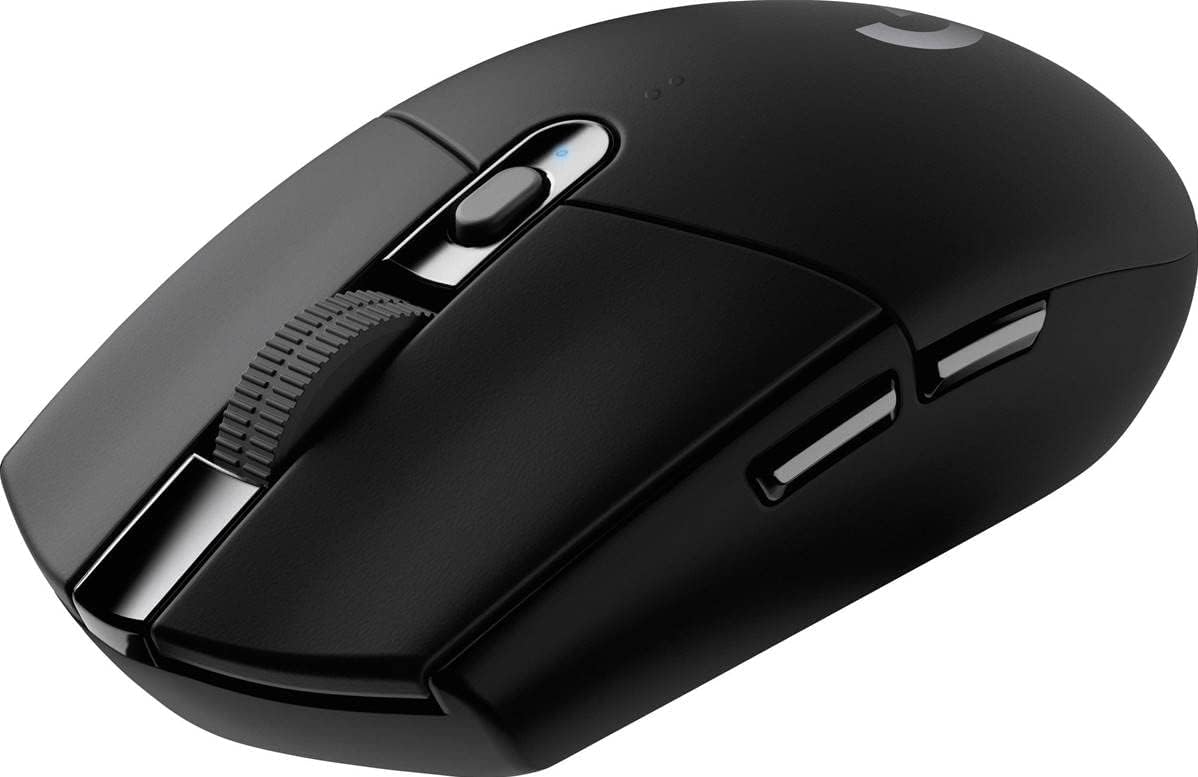
Logitech G305 Lightspeed
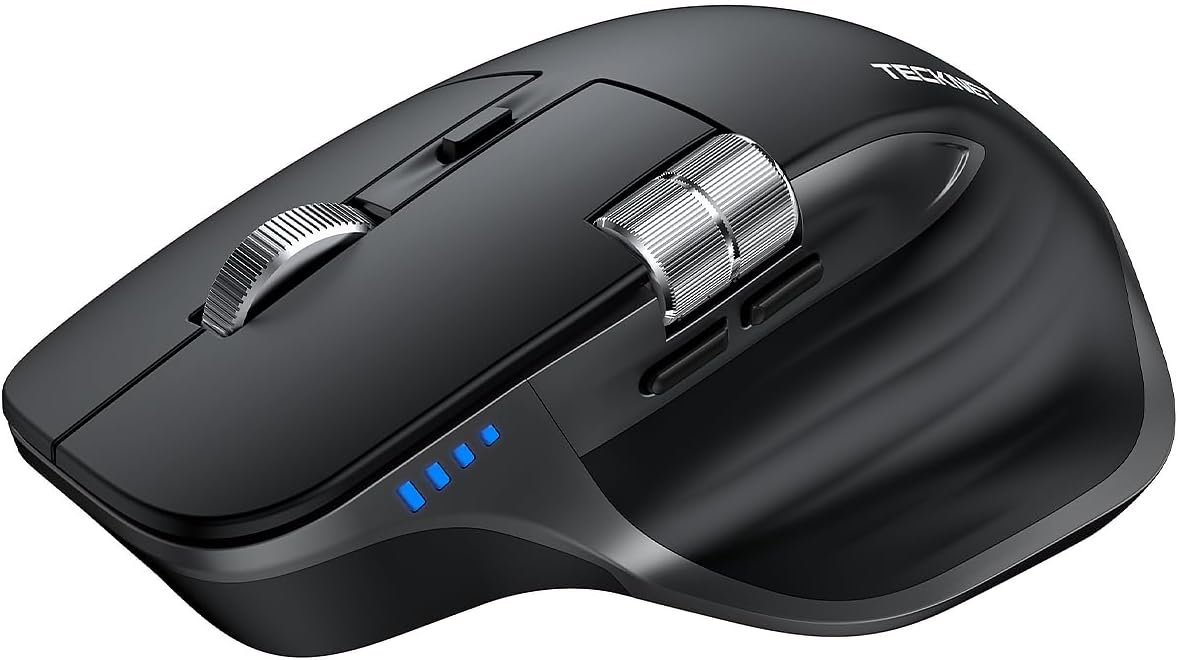
TECKNET TK-MS029
The best mouse for work in 2026 is the Logitech MX Master 4: a sculpted shape, a scroll wheel you can throw down a spreadsheet, quieter clicks and one cursor across three machines. If you also game in the evening, the Logitech G305 Lightspeed covers both jobs and runs for 250 declared hours on a single AA. In a shared office, the mouse nobody can hear wins, and that is the TECKNET TK-MS029. All three cost less than a day of the neck ache a badly chosen one produces.
- The mouse is the one part of your desk UK law does not specify. The Schedule to the DSE Regulations has a paragraph for the keyboard and a paragraph for the work surface. There is no mouse paragraph. That gap is yours to fill, and this guide is about how.
- Shape beats sensor for desk work. Every mouse here tracks perfectly on a desk. What separates them over eight hours is the angle your wrist sits at and how far your fingers travel.
- Click noise is a workstation requirement, not a preference. The Schedule says noise from workstation equipment shall be taken into account "with a view in particular to ensuring that attention is not distracted and speech is not disturbed". In an open-plan office that is a specification.
- Wireless is not slower any more. Lightspeed and HyperSpeed report under a millisecond. Cable is no longer an advantage, only a preference.
- Weight matters, in both directions. These run from 49 g (1.7 oz) to 99 g (3.5 oz). Light is for flicking; heavier is for steady, precise, all-day pointing.
Every figure here carries its source. What we did was read each manufacturer's declared spec sheet for five things that can be checked: weight in grams, sensor family and tier, declared polling rate, declared battery life and connection type. Where a maker does not publish a figure, the table says so instead of being filled in.
The catalogue behind this piece is Amazon Spain, part of the shared European catalogue, read on 1 September 2026. Availability and exact model variants change from country to country, so the buttons take you to your own local Amazon store to check yours. We receive no hardware from manufacturers and affiliate links do not decide the order. External references: the sensor documentation published by PixArt, and the workstation minimum requirements in the Schedule to the Health and Safety (Display Screen Equipment) Regulations 1992.
What UK workstation rules cover, and the one part of the desk they leave to you
If you use a screen daily for continuous periods of an hour or more, your desk is a regulated workstation. Read the Schedule and you find something odd.
- The keyboard gets four requirements. It "shall be tiltable and separate from the screen", it shall have "a matt surface to avoid reflective glare", the symbols on the keys "shall be adequately contrasted and legible from the design working position", and "the space in front of the keyboard shall be sufficient to provide support for the hands and arms".
- The desk gets its own. A "sufficiently large, low-reflectance surface", flexible enough to arrange screen, keyboard and documents, with "adequate space for operators or users to find a comfortable position".
- The mouse gets nothing. There is no input-device paragraph. HSE guidance pulls the mouse and trackball in as part of the workstation, so an assessment has to look at it, but the Schedule sets no minimum for the thing your hand holds for eight hours.
- And the duties are real. Your employer has to do a workstation assessment, make sure you break up screen work, provide training, and pay for an eye test if you ask for one. HSE says the same applies if you work from home.
The publishable rule: the law tells your employer to check the mouse and tells nobody what a good one looks like. So the specification is yours, and it is short. A shape that keeps the wrist from twisting, a click quiet enough not to disturb the person next to you, and a scroll wheel that survives the number of rotations a working week actually contains. Everything else on a mouse spec sheet is for gaming, and gaming mice are compared separately in our gaming mouse guide, where weight and sensor tier are the argument instead.
Quotations from the Schedule to the Health and Safety (Display Screen Equipment) Regulations 1992 (SI 1992/2792) and from HSE guidance on working with display screen equipment. Consulted 1 September 2026.
The eight mice for work, compared
Ordered by how well they answer a working day, not by how fast they are. The highlighted row is our overall pick. Scroll sideways to see every column.
| Mouse | Shape | Weight | Sensor | Connection | Declared battery | Best for |
|---|---|---|---|---|---|---|
| Logitech MX Master 4m8d pick | Sculpted, right hand | not published | Darkfield laser | Bluetooth + USB-C | Rechargeable | A full working day |
| Logitech G305 Lightspeed | Symmetrical, mild | 99 g (3.5 oz) | HERO 12K | Lightspeed 2.4 GHz | 250 h on one AA | Work and play, one mouse |
| TECKNET TK-MS029 | Standard, contoured | not published | Optical 4.8K | 3 modes + USB-C | 90 days | Shared and open-plan offices |
| Amazon Basics ergonomic | Contoured, right hand | 89 g (3.1 oz) | Optical 3.6K | 2.4 GHz | AA cell | A spare, or a second desk |
| Razer Viper V3 HyperSpeed | Symmetrical | 82 g (2.9 oz) | Focus Pro 30K | HyperSpeed | 280 h on one AA | Longest run between cells |
| Redragon M916 PRO | Symmetrical, small | 49 g (1.7 oz) | PAW3395 26K | 3 modes | not published | Lightest hand movement |
| Logitech G Pro X Superlight 2 | Symmetrical, plain | 60 g (2.1 oz) | HERO 2 44K | Lightspeed 8 kHz | 95 h | Precision, if you also compete |
| Razer Viper V4 Pro | Symmetrical | 49 g (1.7 oz) | Focus Pro 50K | HyperSpeed 8 kHz | 180 h | Esports, and only esports |
Figures as declared by each manufacturer, read 1 September 2026. "Not published" means the maker does not state it. Imperial weights are conversions of the declared grams, rounded.
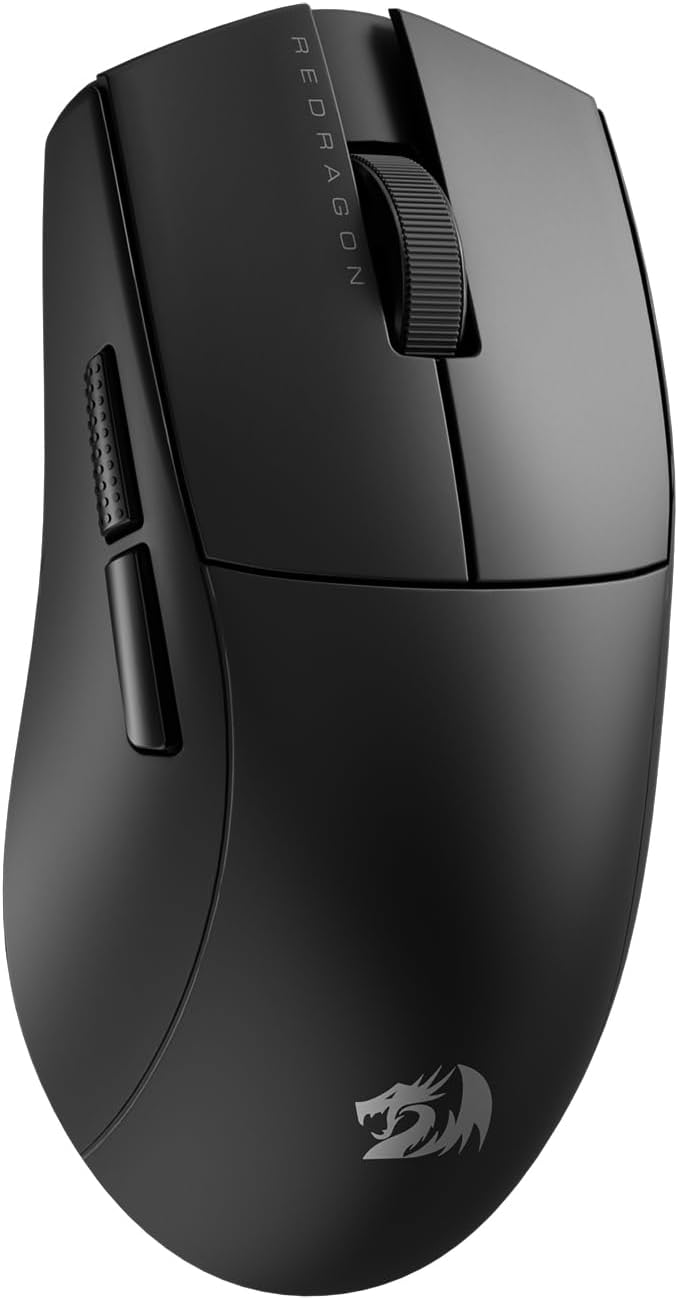
A budget mouse with a flagship sensor inside it
The Redragon M916 PRO carries the PixArt PAW3395, the same flagship sensor family that sits inside mice several tiers above it. Add 49 g (1.7 oz), three connection modes and switches with a proper travel, and you have the strongest argument in this list against the idea that sensor quality is what you pay for. It is also the honest answer to a question this guide keeps meeting: if the sensor is solved at every price, what is left to buy is the shape.
See the Redragon M916 PRO on AmazonQuiet clicks: why the office mouse is a noise decision
This is the criterion the UK buying guides treat as a nice-to-have and the Schedule treats as a workstation requirement.
The same logic decides the thing sitting next to it. A mechanical keyboard with clicky switches undoes a quiet mouse in one keystroke, which is why our guide to keyboards for programming starts from where you type rather than from the switch chart.
Which of the eight is yours
Three questions and we name one of the eight, and say why.
Weight, battery and sensor, compared
Three numbers that decide the purchase, and a calculator that turns the battery one into something you can feel. Switch tabs to change the chart.
Manufacturers publish hours. What you care about is how many days pass before you touch a cell or a cable. That is one division, and the calculator does it:
The hours are the ones each manufacturer declares. Real life will land under them: lighting, polling rate and surface all take a share. The MX Master 4 and the TECKNET are not in the list because their makers publish charge cycles rather than a single hour figure.
The three that cover most desks
One for a working day, one for a desk that also plays, one for a room with other people in it. Purchase links are affiliate links, disclosed on every block, and they do not decide the order.
Logitech MX Master 4

This is the one that answers the Schedule's silence about the mouse. The sculpted body holds the wrist at an angle instead of flat, the MagSpeed wheel spins freely so a long document is one flick rather than forty notches, and one cursor moves across three machines, which is the whole argument if you keep a work laptop and a personal one on the same desk. Logitech declares quiet switches on it, and that matters in a room with other people.
Logitech G305 Lightspeed
The one to buy when you do not want to think about it. Wireless with cable-grade latency, a sensor that is more than any spreadsheet or any game will ask of it, and a declared 250 hours from a single AA, which for most people is most of a year. Its 99 g (3.5 oz) keep it out of the featherweight conversation, and that same mass is exactly what makes it steady for pointing at small targets all day.
TECKNET TK-MS029
The cheapest way to satisfy the noise sentence in the Schedule. TECKNET declares reduced-noise switches, it charges over USB-C so there is no cell to buy, and it carries a second wheel for horizontal scrolling, which is the one feature spreadsheet users miss and never think to ask for. Three connection modes mean it follows you from a desktop to a laptop to a tablet without repairing.
Five more, depending on your desk
The cheapest sensible one, the longest-running one, the lightest one, and the two precision models for a desk that also competes.
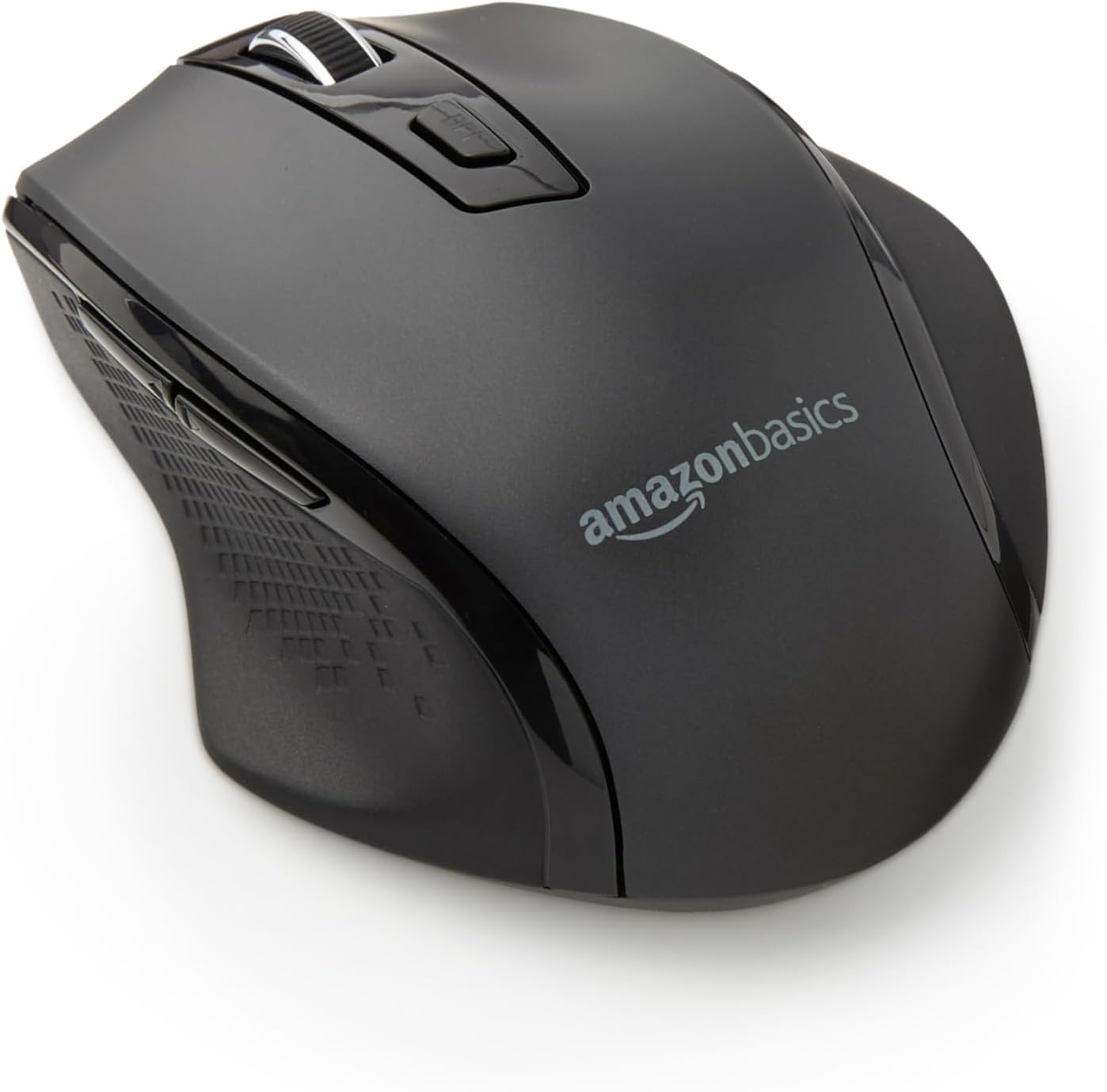
Amazon Basics ergonomic
AES-128 encrypted link, cell included
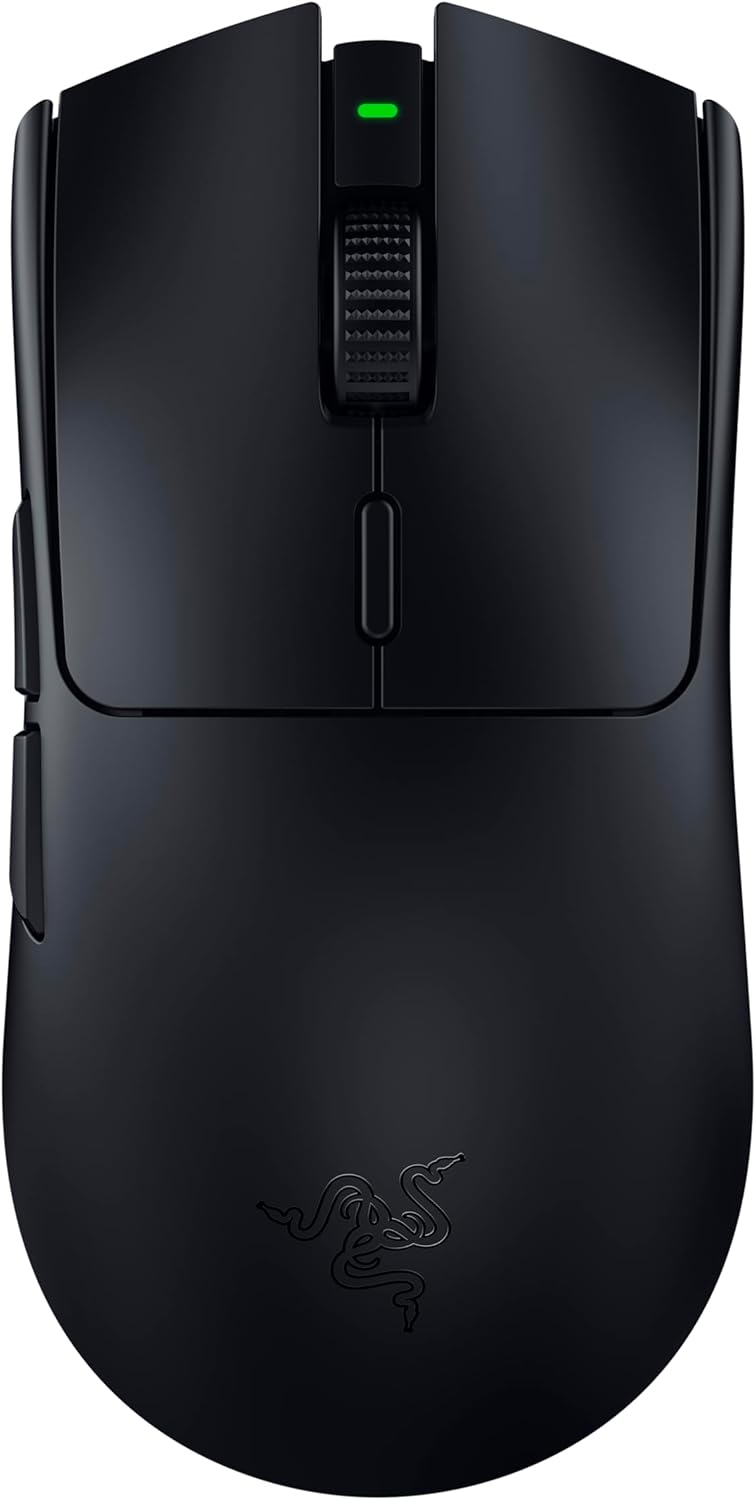
Razer Viper V3 HyperSpeed
280 h on one AA, 4000 Hz polling
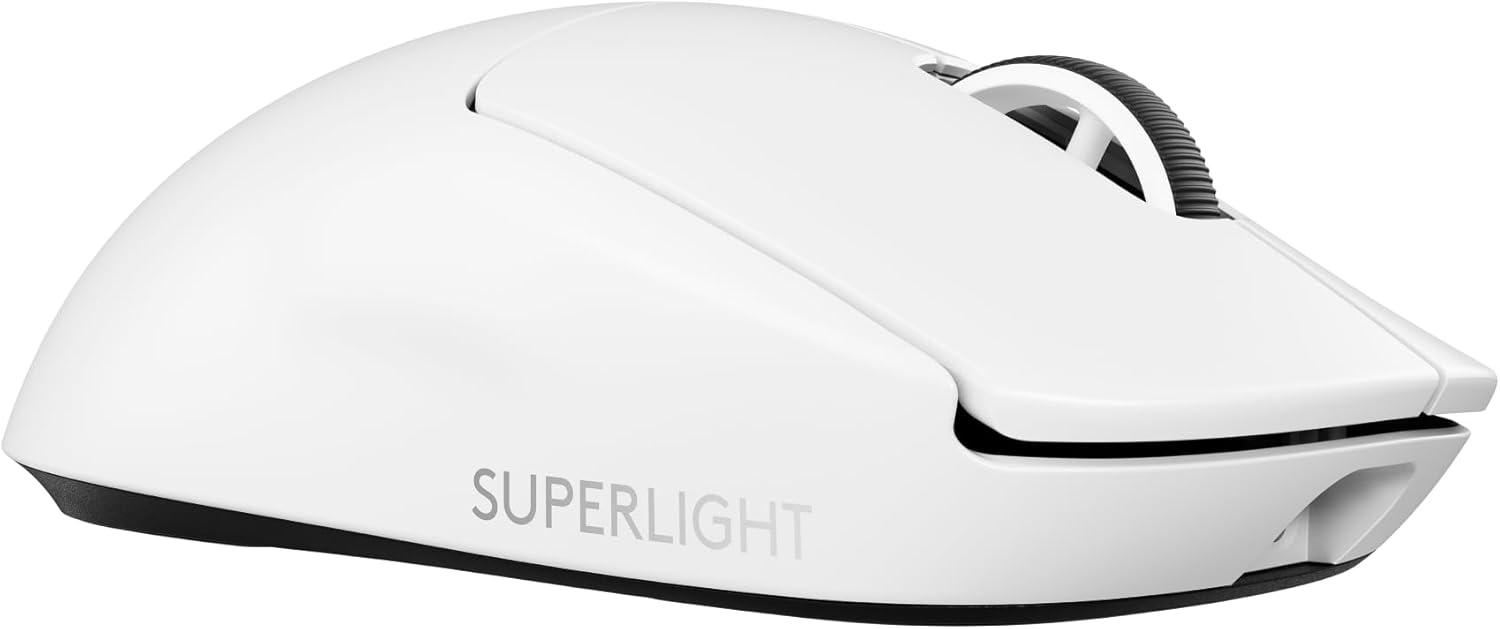
Logitech G Pro X Superlight 2
60 g (2.1 oz), 95 h, USB-C
Redragon M916 PRO
49 g (1.7 oz), symmetrical, small hands
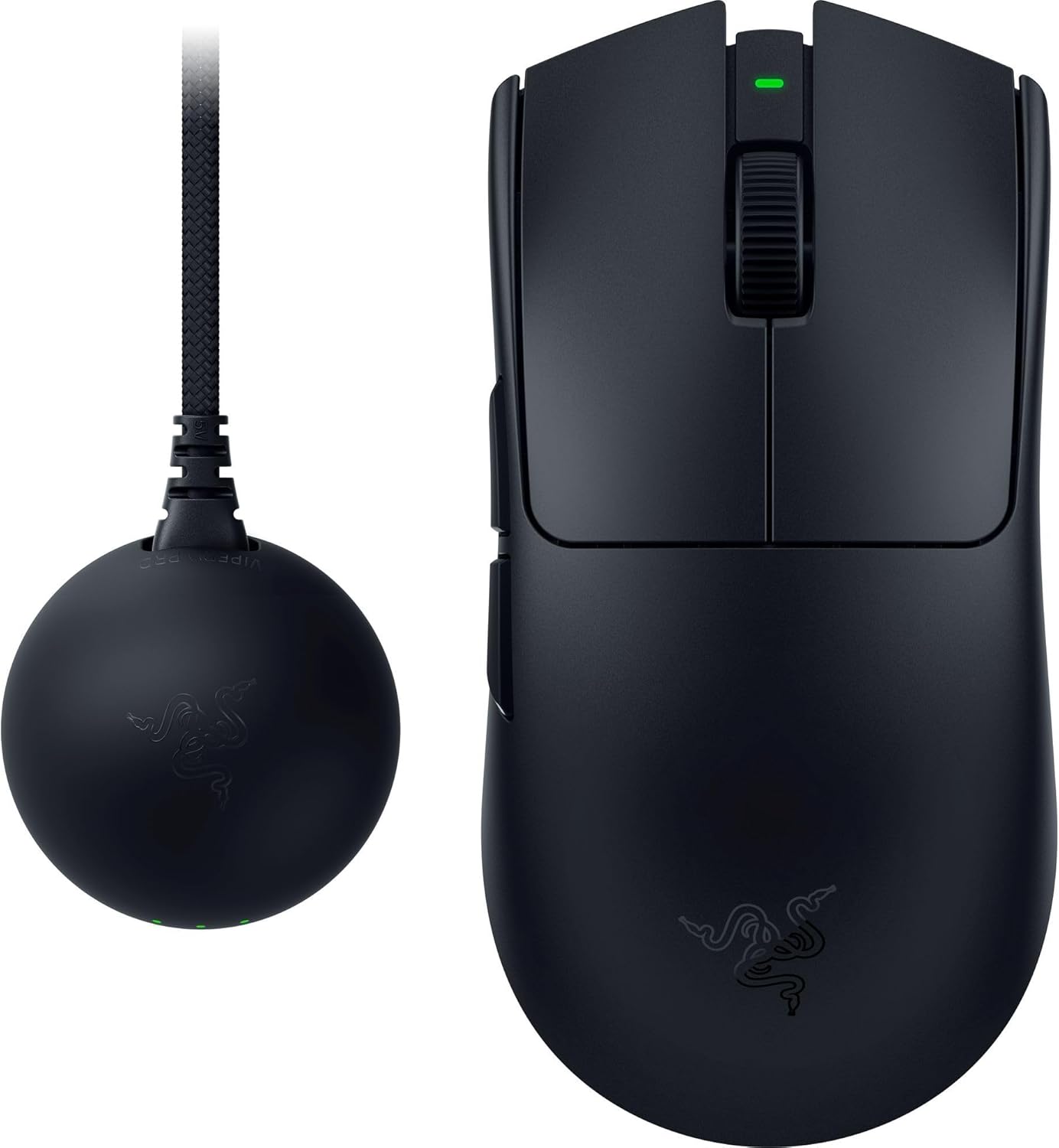
Razer Viper V4 Pro
49 g (1.7 oz), optical wheel, 180 h
The Viper V4 Pro is here as a listing, not as a recommendation. For desk work its advantages over the Superlight 2 or the Viper V3 are not something a hand can feel, and the case for it only exists if you compete. Stock of individual variants moves constantly and differs by country: check yours before you decide.
- Very high DPI figures are a label, not a feature. Professional players sit between 400 and 1600, and 800 is the common setting. For desk work at 1440p, 1000 to 1600 is comfortable. A 26,000 or 50,000 DPI number is there to be printed on a box.
- 8 kHz and 4 kHz polling need a monitor and a processor to match. At 1000 Hz you are already past the point where any of this changes an outcome, in a game or in a spreadsheet.
- In this category the sensor is rarely the weak part. Value brands buy the same PixArt families as premium ones. What tends to be thinner is the software, the firmware updates and the after-sales route when something breaks.
- A mouse mat changes tracking more than a DPI setting does. Optical sensors read texture. A glossy desk is the single most common cause of a mouse that "skips" and gets blamed for it.
Questions about choosing a mouse for work

m8d.io
Comments
Be the firstNo sign-up: just a name. Every comment is reviewed before it is published.