Best monitor arm in the UK for 2026: the desk check that decides it, the VESA pattern and the clamp range that fits a British Standard desk
 m8d.ioUpdated on
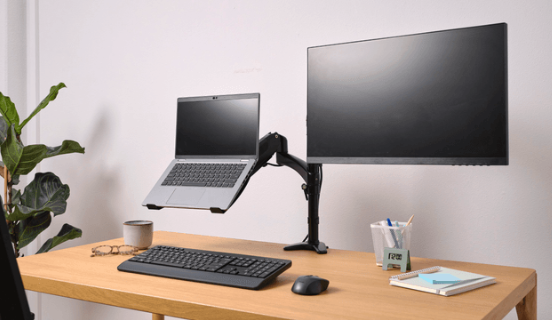
This guide contains affiliate links. As an Amazon Associate, m8d.io earns from qualifying purchases, at no extra cost to you.
The monitor arm is not the hard part of this purchase. Your desk is. Every arm on this page clamps to the edge of a desk top, and a clamp is a concentrated load on a surface that in most British homes is a hollow board with paper inside it. Get that check right and any of these six will do the job. Get it wrong and you find out with a bang.
- Check the desk before the arm. The two most common desk tops sold in Britain are board-on-frame with a honeycomb paper filling, and their own maker's limit is 50 kg spread out but no more than 15 kg concentrated on a small area. A C-clamp is a concentrated load by definition.
- The clamp range you want reaches 55 mm. That is the maximum desk top thickness at the front edge in the British Standard for office desks, so an arm that clamps to 55 mm covers everything built to it.
- VESA is 75x75 or 100x100 mm, and almost every modern monitor has one of the two. The checker below tells you in three taps, and now asks about the desk top as well.
- Gas spring or bolt? Gas moves with one hand, which matters if you switch between sitting and standing. A mechanical arm is set once with a spanner and then stays put, and it is the sturdier of the two under a heavy screen.
- Best for a single screen: the ErgoSolid F80, a gas arm rated from 17 to 32 inches. Best for two: the BONTEC dual, which declares 10 kg per arm and is the highest headroom on this page.
We read every manufacturer's own listing for the six arms on this page and took the size ranges, the load figures, the clamp ranges and the mounting hardware from there. Where a figure is not declared we say so instead of estimating it, which is why one cell in the table above says to check the listing rather than giving a number.
How we know: the desk figures come from the manufacturers of the desks, and the dimensional figures from the published British Standard. Both are cited with their date where they appear. No manufacturer paid to be here or to be ranked first, and the purchase links are affiliate links.
Will your desk take it? The 15 kg nobody mentions
Two of the most common desk tops in British homes are board-on-frame construction with a honeycomb paper filling, and the manufacturer's own published limit is 50 kg evenly distributed, with no more than 15 kg concentrated on a small surface. A monitor arm clamp is a concentrated load pressing on a few square centimetres. That is the whole risk in this category, and no buying guide mentions it.
Look up the specification for the tabletop that sits in a very large number of home offices here and you get a straight answer. IKEA's LAGKAPTEN top is 34 mm thick and described as "board-on-frame" with a "honeycomb structure paper filling"; its published limits are "maximum evenly distributed weight 50 kg" and "do not exceed 15 kg on concentrated areas". The MICKE desk is particleboard and fibreboard with the same honeycomb paper filling, and carries the same two figures. The frame runs round the edge and the middle is air.
What that means when you tighten a clamp: the arm's bottom pad pushes up against roughly a thumbprint of surface, and if that thumbprint sits over the hollow section rather than over the frame, the board deflects, then dents, then goes through. It is not a slow failure. And it is why the same arm gets five stars from one buyer and a photograph of a cracked desk from the next.
Figures taken from IKEA United Kingdom's own product pages for the LAGKAPTEN tabletop and the MICKE desk, consulted on 1 September 2026. We are not saying that any particular arm will break any particular desk: what we are pointing at is the manufacturer's published limit and the fact that a clamp concentrates load, which are two facts that sit awkwardly together and that every guide in this category leaves out.
55 mm at the front: the clamp range that covers a standard desk
Office desks sold in the UK are built to BS EN 527-1, which sets the work surface of a fixed-height desk at 740 mm plus or minus 20 mm and caps the top's thickness at 55 mm at the front edge and 80 mm at 500 mm back from it. Those two numbers are the ones to check an arm's clamp range against, and they are printed on no product page in this category.
The standard is Office furniture. Work tables and desks. Dimensions, and it classifies desks into four types by how the height is set: Type A adjusts while you are using it, Type B is set once at installation, Type C is fixed, and Type D has a limited range. Almost every desk in a British home office is a Type C, which is why the surface sits at 740 mm whether or not 740 mm suits you. Legroom has a floor too: a minimum of 700 mm of knee clearance.
What that gives you, as checks you can actually do:
BS EN 527-1:2011, Office furniture. Work tables and desks. Dimensions, published by the British Standards Institution. Figures for a Type C desk. Consulted on 1 September 2026. The standard applies to office furniture; a domestic desk is not obliged to follow it, which is exactly why checking the clamp range against these numbers is worth doing rather than assuming.
Is my monitor compatible? The VESA checker
VESA is a mounting pattern of four screws in a square, either 75 by 75 mm or 100 by 100 mm. Look at the back of your monitor: four holes in a square means you are compatible with everything here.
The three we would actually fit
Ordered by the argument this page makes, which is that the desk decides more than the arm does. One screen concentrates one load; two screens concentrate two, and the wider the screen the further the load sits from the clamp.
The VIVO is the one we moved up. An ultrawide is the heaviest single load in this category and it sits furthest from the clamp, which is a lever, so it is the case where the desk matters most and where a general-purpose arm runs out. If you are pairing the arm with a screen you have not bought yet, the 27-inch monitor guide lists the weights, and the monitor for programming guide covers which of them can pivot to portrait without an arm at all.
All six, in detail
| Arm | Screens | Size range | Max weight | Gas spring | Best for |
|---|---|---|---|---|---|
| BONTEC Dual | Two | 13-27" | 10 kg per arm | No | A two-screen desk |
| ErgoSolid F80 | One | 17-32" | Check the listing | Yes | One screen, hollow top |
| VIVO STAND-V001 | One | up to 38" | 10 kg | Yes | An ultrawide |
| BONTEC Dual Gas | Two | 13-32" | 9 kg per arm | Yes | Two larger screens |
| ErgoSolid Dual | Two | 17-27" | 9 kg per arm | Yes | Sit-stand switching |
| ErgoSolid Dual, second version | Two | 17-27" | 9 kg per arm | Yes | A taller column |
Size ranges and load figures as declared by each manufacturer on its own listing, read on 1 September 2026. Where a figure is not declared we say so rather than estimate it. Availability and model naming vary by country.
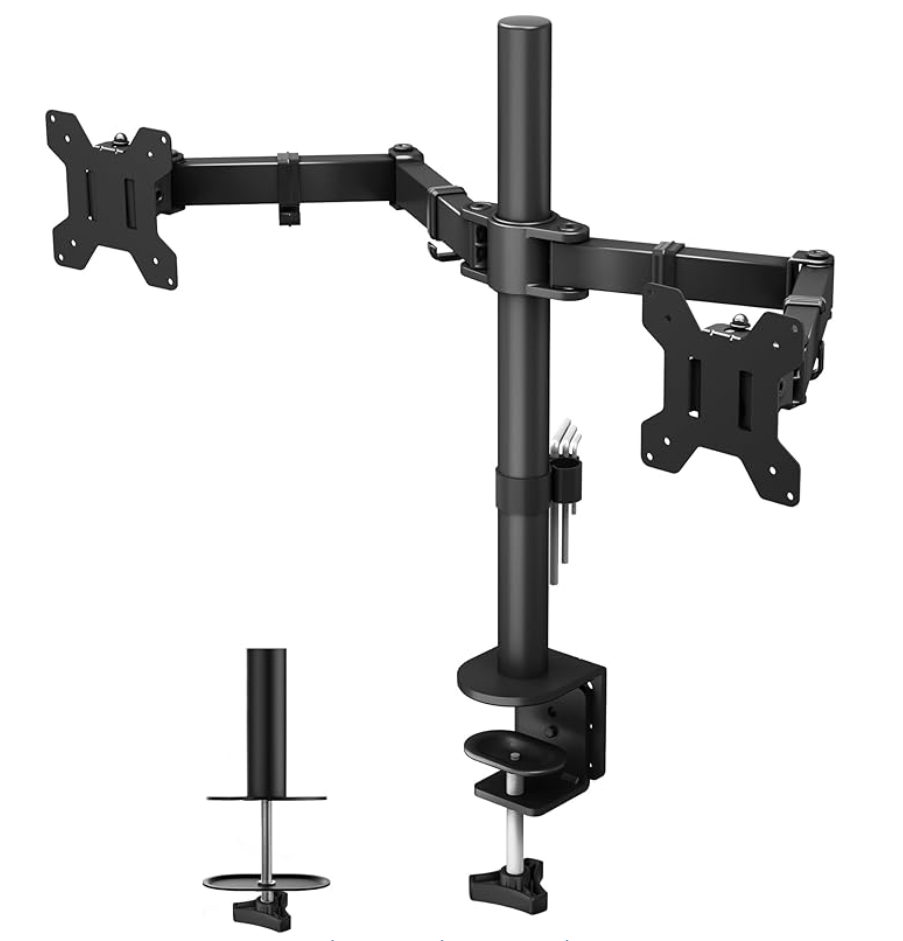
BONTEC Dual, 13 to 27 inches
The one with the most headroom on this page: BONTEC declares 10 kg per arm, which is more than either screen on a normal two-monitor desk will weigh, and headroom is what stops a dual arm sagging on one side after a year. It has no gas spring, so setting the height means loosening a bolt and tightening it again, and that is a genuine trade-off rather than a flaw: a mechanical joint set once holds a heavy screen more firmly than a spring does, and if you never change your seating position you will never notice.
The check to do first. Two screens on one clamp is two loads on one thumbprint of desk. This is the arm for which the spreader plate in the section above is worth buying, unless you know your desk top is solid.
See it on AmazonSingle arms: one screen, one load
For one screen, a gas spring arm is the better buy, because the whole point of paying for an arm rather than a riser is being able to move the screen with one hand. The ErgoSolid F80 is the one here: a pneumatic arm rated from 17 to 32 inches with both VESA patterns, and a vice-style clamp specified from 25 to 80 mm, which as the section above explains is the range that covers a standard desk at the front edge and further back.
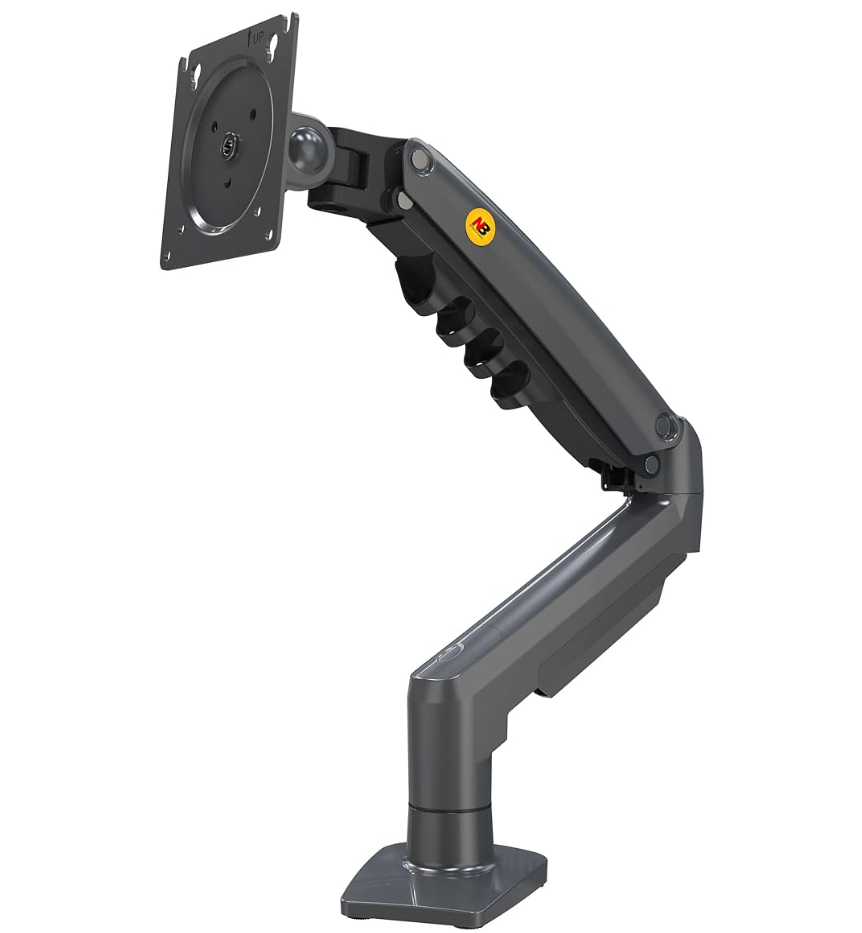
ErgoSolid F80, 17 to 32"
Pneumatic arm, 360-degree rotation, around 260 mm of height travel. Aluminium and steel. The clamp is the vice type, from 25 to 80 mm.
See it on Amazon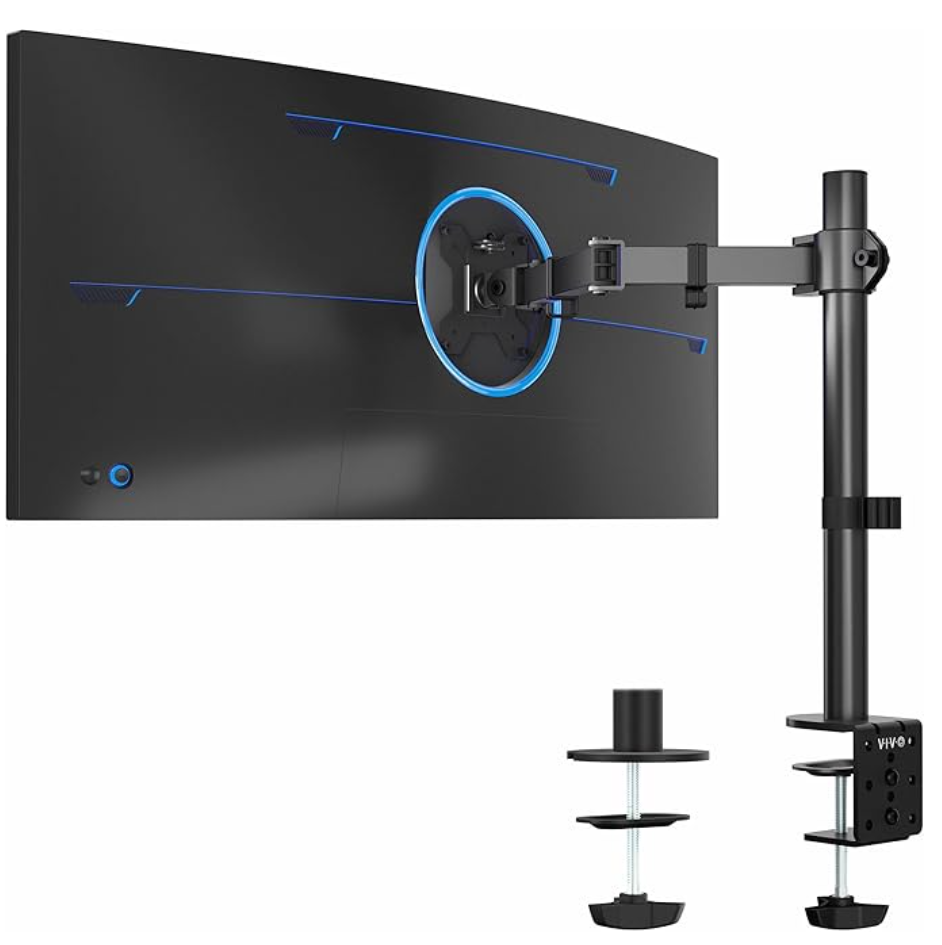
VIVO STAND-V001
Rated to 38-inch ultrawide and 10 kg, with a gas spring and alloy steel construction. The removable VESA plate makes hanging a wide screen a one-person job instead of a two-person one.
See it on AmazonDual arms: two screens, and twice the load on one clamp
The dual arms here all use gas springs except the BONTEC above, and they differ mostly in the size range and the column height. The BONTEC Dual Gas is the one to take if either screen is over 27 inches, because it is rated from 13 to 32 inches where the others stop at 27. All three declare 9 kg per arm.
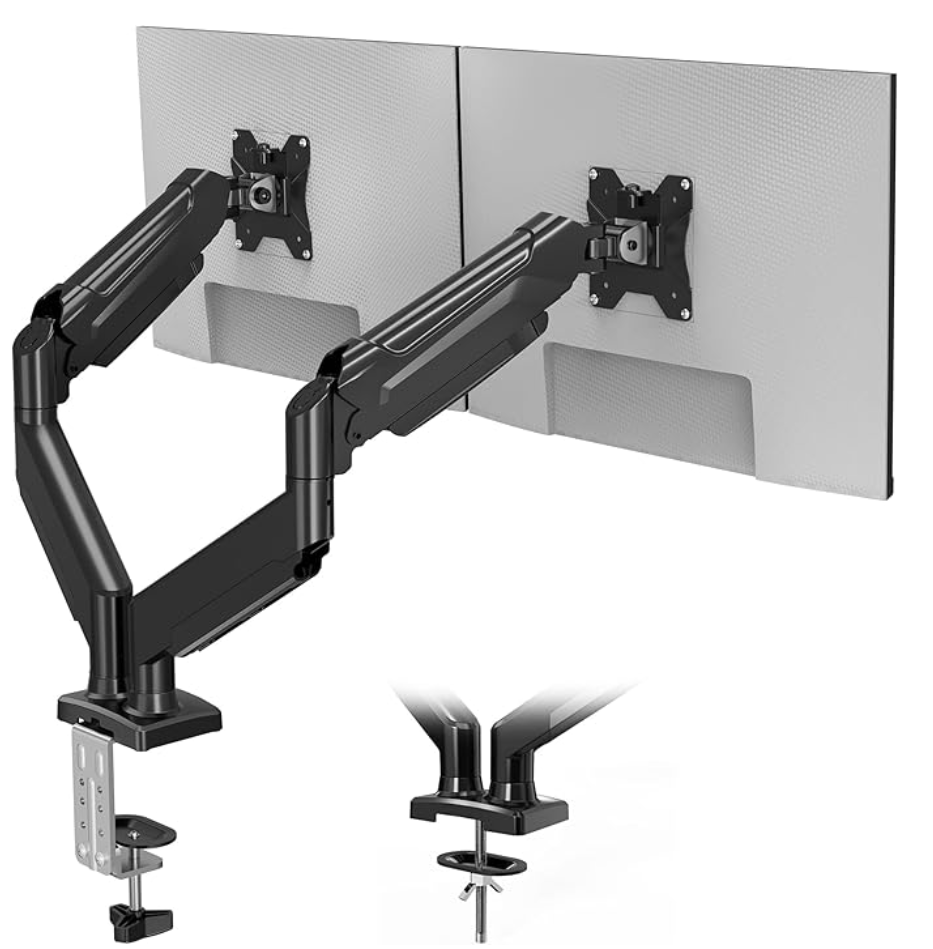
BONTEC Dual Gas
Gas spring, tilt, swivel and full rotation, with a U-shaped articulated head. The size range is the argument: it is the only dual here that takes a 32-inch panel.
See it on Amazon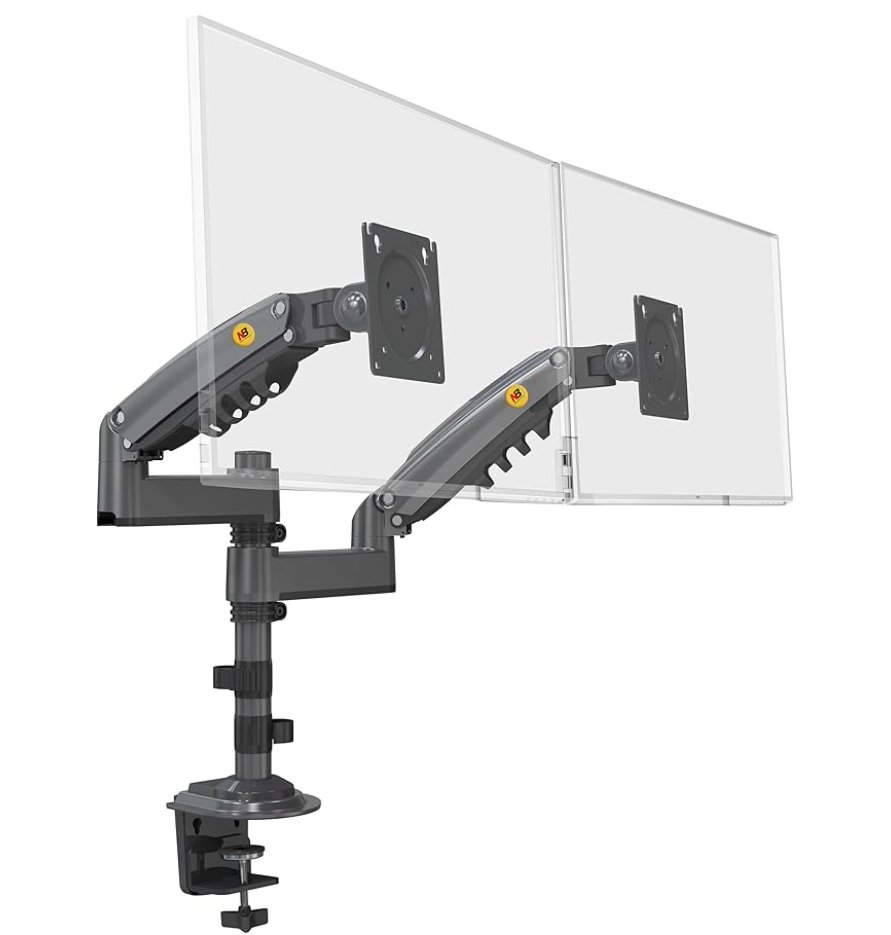
ErgoSolid Dual, 17 to 27"
A sturdy column with adjustment on several axes and the vice-style clamp rated from 25 to 80 mm, which is the range that matters if your desk top is at the thick end.
See it on Amazon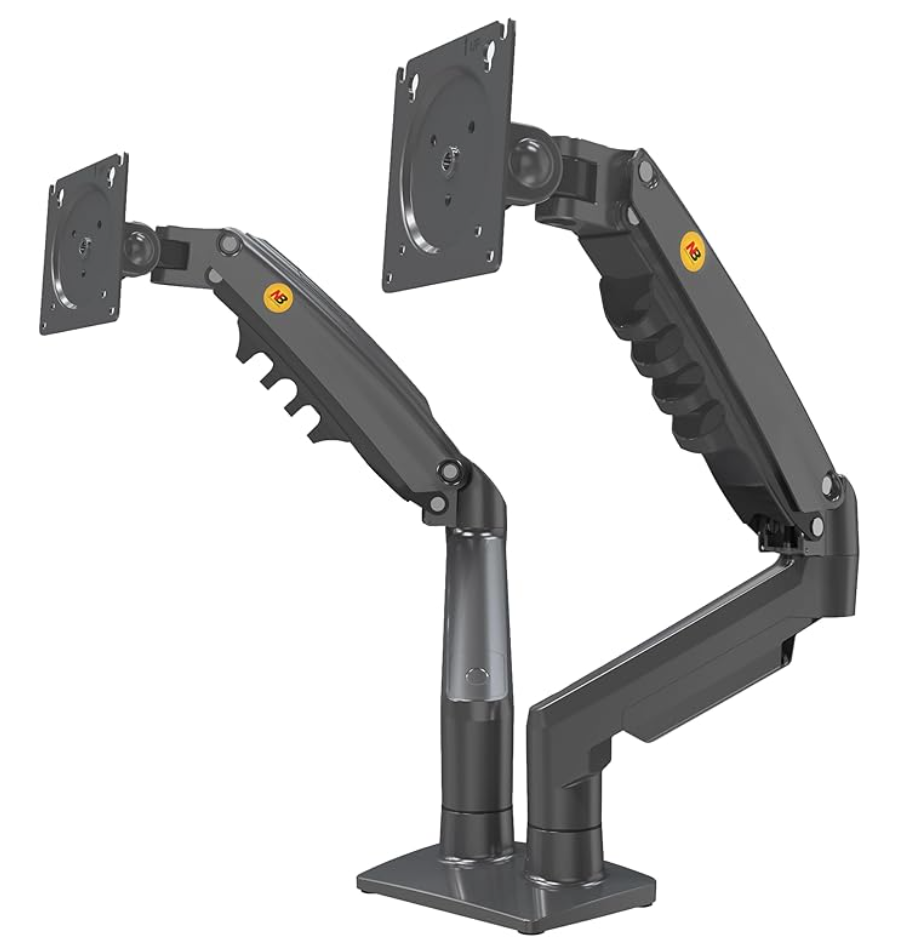
ErgoSolid Dual, second version
The most complete of the ErgoSolid duals. Aluminium, gas spring, full rotation and around 260 mm of height travel, which on a fixed-height desk is the spec that decides whether the screen reaches your eyes.
See it on AmazonOne screen, two, or an ultrawide?
The arm you buy follows from this, not the other way round. Each layout puts a different load in a different place, and only one of them is the load a cheap clamp was designed for.
Fitting it, and the order to do it in
Fix the base to the desk, build the arm, put the VESA plate on the screen, then hang it and set the spring tension. Twenty minutes, and no special tools. The one step people do out of order is the spring tension, which has to be set with the screen already hanging on it.
Most arms ship with both mounting methods in the box: a C-clamp that grips the edge of the desk, and a grommet or through-bolt that passes through a hole. The clamp is the versatile one and leaves no mark; the through-bolt is the one the section above recommends on a hollow desk top. Read the two before you commit, because moving from one to the other after the arm is built means taking it apart.