Best Apple accessories 2026: what fits your iPhone, iPad and Apple Watch, and what Apple does not put in the box
 m8d.ioUpdated on
This guide contains affiliate links. As an Amazon Associate, m8d.io earns from qualifying purchases, at no extra cost to you.

The Apple accessories worth buying in 2026 are decided by the device you already own, not by the accessory. Apple Pencil Pro does not fit the plain iPad. A magnetic charger only reaches its headline figure with a mains adapter, and the iPhone box does not contain one. The checker below goes model by model.
What Apple does not put in the box, in Apple's own words
Read the box contents before you read a single review. Apple's UK tech specs for the iPhone 17 list three things in the box: the iPhone, a USB-C Charge Cable (1m) and the documentation. Everything that makes the charging figures on the same page happen is marked, by Apple, as sold separately.
Those figures are worth quoting in full, because they are the ones people assume the box covers. MagSafe wireless charging up to 25W and Qi2 wireless charging up to 25W, both stated as requiring a 30W power adapter or higher. And up to 50% charge in 20 minutes with a 40W adapter or higher. Neither adapter is included, and neither is the MagSafe charger itself.
So the real first purchase after an iPhone is not a case. It is a mains adapter, and the wattage of that adapter is what decides whether any charger you buy afterwards delivers what it advertises. That is why the adapter sits under the charger's card on this page rather than in a list at the end: you choose it once you have chosen the charger.
Apple publishes both halves of this on the same page, a few hundred pixels apart: the headline charging speed at the top, and the adapter it needs at the bottom, in the footnote. Almost nobody reads the second half.
m8d rule: Before you buy any magnetic charger, read the wattage of the adapter you already own. If it is a 20W one, a 25W charger will not charge at 25W, and no charger can fix that.
The adapter Apple leaves out is the one British safety guidance tells you where to buy
Here is the part of this purchase that is specifically a British problem. Because the adapter is not in the box, almost everybody buys one separately, and a mains adapter is the accessory where a marketplace listing carries a risk that a cable or a case does not.
Electrical Safety First, the UK charity that publishes consumer guidance on electrical products, is direct about it: counterfeit chargers "have serious safety concerns and may present a higher risk of exploding or catching fire", and "may also damage your device which could void your guarantee". Its advice to a buyer is a sentence long: "buy your USB charger from a reputable retailer rather than a third-party seller online, as it may not have passed all the necessary safety checks".
Put that next to what the listings actually say and the instruction writes itself. Out of 7,852 charger listings our register read on 16 September 2026, fewer than one in thirty states its wattage and fewer than one in a hundred mentions the adapter. We would spend on the adapter and save on the charger, not the other way round: the charger is a puck of magnets, and the thing plugged into the wall is the one carrying mains voltage in your bedroom.
Apple MagSafe Charger, 1 m view ›
The iPhone box contains a cable and nothing else: the contents Apple's own iPhone 17 spec sheet declares are the one-metre USB-C cable and the documentation. That is why the charger is almost everyone's first purchase. This is Apple's own, and its 25W figure only appears if you plug it into a 30W power adapter or higher and if the phone is an iPhone 16 or later. On an iPhone 15 or earlier the ceiling is 15W no matter what charger you fit, and that is where the cheaper stand further down this page earns its place.
- The iPhone 17 spec sheet publishes wireless charging of up to 25W with MagSafe and with Qi2, and adds the condition in the same line: a 30W power adapter or higher (apple.com/uk, read 16 September 2026). The iPhone 16 spec sheet says exactly the same.
- The In the Box list for the iPhone 17, on that same page, is "iPhone, USB-C Charge Cable (1m), Documentation". No power adapter, and the two that the advertised figures need, the 30W and the 40W, appear on the page as sold separately.
- The generation changes the sum: the iPhone 15 spec sheet publishes up to 15W over MagSafe and 7.5W over Qi, and the iPhone 14, a Lightning connector and 15W as well. Buying a 25W charger for either of those phones is paying for watts the device does not accept.
- The magnets align it on their own, so there is no position to get right
- Works the same on a Lightning iPhone, at half the watts
- A metre of cable, which is what a bedside table needs
- It does not include the power adapter, and without one it does not reach its figure
- On an iPhone 15 or earlier its 25W go unused
Power adapters for the MagSafe Charger
 Apple 30W USB-C Power AdapterApple's own 30W one, which is the wattage its spec sheet names to reach 25W of wireless charging on an iPhone 16 or laterView ›
 UGREEN Zapix 30Wthe gallium nitride alternative with the same 30W and half the size, for anyone who would rather not pay for the branded oneView ›
Apple accessory compatibility checker: which charger, which Apple Pencil and which strap fit your model
Apple accessory compatibility checker for your iPhone, iPad or Apple Watch
Two answers, the device and the model, and the checker says what fits, what does not, and what you will need on top, with the figure Apple's own spec sheet publishes in each case. Example of the result: with an iPhone 17, wireless charging reaches 25W, but only with a 30W power adapter or higher, and the box does not contain one. Free, no account and no ads. A tool from m8d.io.
Its spec sheet publishes wireless charging up to 25W with MagSafe and with Qi2, and those 25W only appear with a 30W power adapter or higher. For 50% in twenty minutes over the cable it asks for a 40W adapter or higher. In the box there is a one-metre USB-C cable and nothing else: both adapters are sold separately, and Apple says so on the same page.
- Connector
- USB-C
- Wireless
- MagSafe and Qi2 up to 25W
- Minimum adapter
- 30W for the 25W wireless figure
- In the box
- USB-C cable only
What does not fitA 20W adapter, even an Apple one, leaves a 25W charger working below what it advertises.
The compatibility lists, the wattages and the strap sizes come from Apple's UK pages read on 16 September 2026 and listed in the sources below. The listing counts come from m8d's own price register on the same day; Amazon is outside it by licence. A checker does not replace the manufacturer's compatibility list: if your model is not on it, it is not on it.
Which Apple Pencil fits your iPad, and what the one that fits gives up
Apple sells two pencils today, the Pro and the USB-C one, and each has its own published list of compatible iPads. The Pro list has five entries: iPad Pro 13in and 11in (M4 and M5), iPad Air 13in and 11in (M2, M3 and M4), and iPad mini (A17 Pro). The USB-C list is much longer and, crucially, it includes the plain iPad.
That is where the repeated buying mistake lives: the cheapest iPad in the range does not accept the dearest pencil. And the pencil it does accept is missing seven things on Apple's own comparison table: pressure sensitivity, double-tap to change tools, barrel roll, squeeze, haptic feedback, Find My and free engraving, plus wireless pairing and charging. It writes and annotates just as well; drawing with a variable stroke is a different job.
The practical consequence fits in one sentence. If you are going to draw and you do not own an iPad yet, the decision is not which pencil to buy, it is which iPad. If the iPad is already in the house, Apple's list decides for you and there is nothing left to weigh up.

Apple Apple Pencil Pro view ›
It is Apple's complete pencil and the only one of the two it sells today with pressure sensitivity, squeeze, barrel roll, haptic feedback, double-tap, wireless charging when you attach it and Find My. The catch is not the pencil: it is its compatibility list, which stops at iPad Pro with an M4 or M5 chip, iPad Air with M2, M3 or M4 and iPad mini with A17 Pro. Outside those models it does not work, and no update is going to change that.
- Its compatibility list has five entries and none of them is the plain iPad: iPad Pro 13in and 11in (M4 and M5), iPad Air 13in and 11in (M2, M3 and M4) and iPad mini (A17 Pro). Apple publishes it at apple.com/uk/apple-pencil, read 16 September 2026.
- On the comparison table on that same page, Apple Pencil Pro carries seven features the USB-C one does not: pressure sensitivity, double-tap to change tools, barrel roll, squeeze, haptic feedback, Find My and free engraving, plus wireless pairing and charging.
- It attaches, pairs and charges magnetically on the side of the iPad, so it needs no cable and no adapter. What does wear out is the tip, and Apple sells it separately in packs of four.
- Pressure sensitivity, which is the one thing that separates drawing from writing
- Charges on its own when you attach it to the side of the iPad
- Shows up in Find My if you lose it
- Its compatibility list leaves out the best-selling iPad
- The tip is a consumable and is bought separately


Apple Apple Pencil (USB-C) view ›
It is the pencil that covers almost the whole iPad range, including the plain model, which is the one that sells most. It writes and annotates exactly as well as the Pro, with the same precision, the same low latency and the same tilt. What it does not have, and Apple marks it on its own table, is pressure sensitivity: for drawing with a variable stroke it falls short, and that is the only real reason to move up to the Pro.
- Its compatibility list includes iPad (A16) and iPad (10th generation), which are the models Apple Pencil Pro leaves out, plus the iPad Pro and iPad Air models before the M series and the iPad mini 6th generation (apple.com/uk/apple-pencil, 16 September 2026).
- On Apple's comparison table it is missing pressure sensitivity, wireless pairing and charging, double-tap, barrel roll, squeeze, haptic feedback and Find My. It does carry precision, low latency, tilt, the magnetic attach and hover.
- It attaches magnetically to the side of the iPad but charges over the USB-C port, not on attaching. That is the difference in daily use that shows up most if you are coming from the second-generation pencil.
- Fits the best-selling iPad, where the Pro does not
- Same precision, same latency and same tilt as the Pro
- Charges with the iPad's own USB-C cable
- No pressure sensitivity: it is not enough for drawing with a variable stroke
- It does not charge when you attach it, you have to plug it in
Same pattern as the charger, with a different face: the product page shows what it does, and the condition that rules it out lives on a separate list.
m8d rule: If your iPad is not on Apple Pencil Pro's compatibility list, it is not a software problem: the pencil that fits is the USB-C one, and that one does not sense pressure.
Tips, keyrings and strap sizes: what you end up buying after each Apple accessory
In this category almost nothing is bought on its own. The magnetic charger needs a mains adapter that the phone box does not contain. The Apple Pencil wears through tips, which are the only part that gets replaced. The AirTag is a smooth disc with not a single hole in it, so hanging it off a set of keys needs a case. That is why each of those pieces sits under its own product card on this page rather than in a list at the end: you choose it once you have chosen the device.
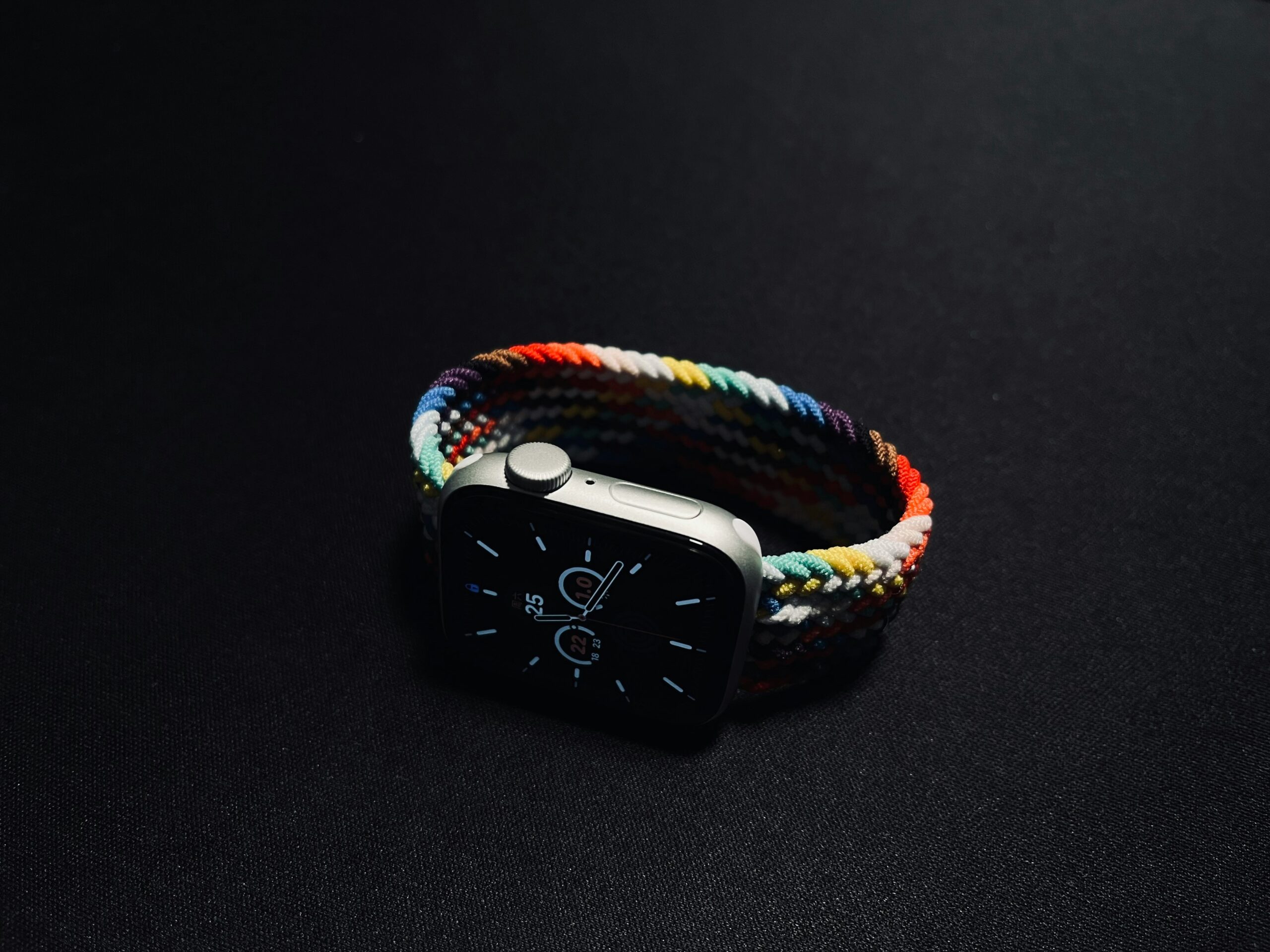
The Apple Watch strap is the opposite case to the Apple Pencil, and it is worth saying plainly: here the generation does not decide, the case size does. Apple's UK store sorts its straps by case size and the sizes it lists are 40, 42, 46 and 49 millimetres, with the Ultra range sitting on its own at 49. Read yours off the back of the watch before you order anything.
Outside Apple's own store that figure becomes hard to find, and we counted it. Of the 3,408 Apple Watch strap listings with a price read on 16 September 2026 across the retailers our register tracks, 2,261 put a size from the small group and a size from the large group in the same title: 38, 40 and 41 millimetres alongside 44, 45, 46 and 49. That is two in three. The practical conclusion is simple: the size is found inside the product page, never in the headline.

Apple AirTag 2nd generation, 4 pack view ›
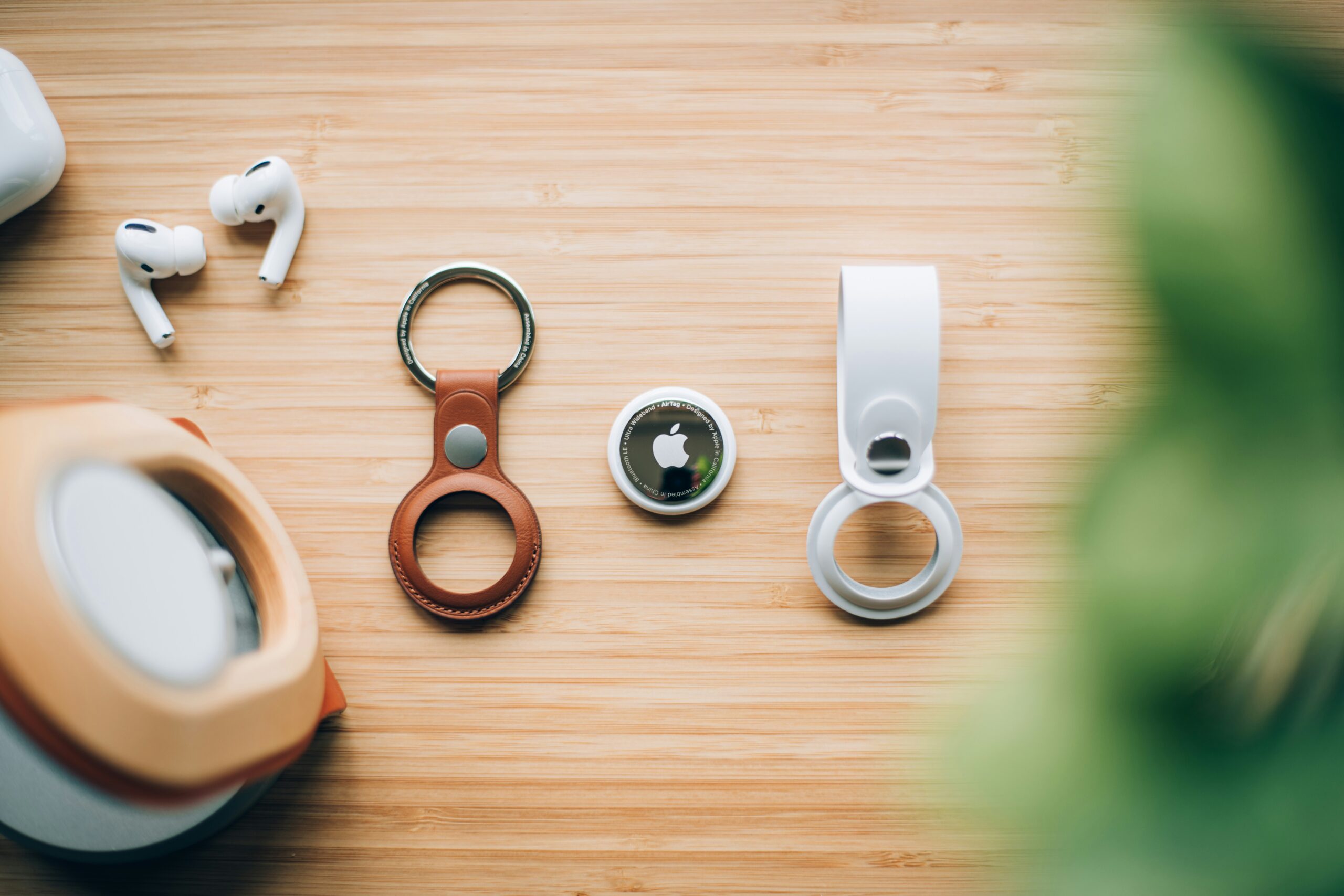
It is the Apple accessory with the simplest purchase, because it does not depend on which iPhone you have: it works with the Find My app and that is that. The pack of four works out slightly cheaper per unit than a single one, and it makes sense because almost nobody fits just one: keys, wallet, suitcase and rucksack are the four usual places. What it does not come with is any way of attaching it to any of them.
- The listing for this generation declares up to 1.5 times the range in Precision Finding of the previous one, with the audible locating unchanged.
- It has no hole for a keyring and no attachment point of any kind: it is a smooth disc. Hanging it off a set of keys needs a case, which is why the case sits under this card and not at the end of the guide.
- On a keyring the disc gets scratched by the keys themselves, so the case is not only the attachment: it is also what stops the accessory looking worn after two months.
- Does not depend on the iPhone model: it works with the Find My app
- The four pack works out slightly cheaper per unit than a single
- The battery is a coin cell you change without tools
- It comes with no way of attaching it to anything
- Four units are more than someone who only wants to tag their keys needs


This is the version without active noise cancellation of the previous generation, and today it is the cheapest AirPods in the range. The problem is the date: AirPods 5, which do have cancellation, go on sale on 18 September 2026 according to Apple's own page. We would not buy this model this week without first checking what price gap is left between the two on the day: if it is small, the cancellation decides on its own.
View ›
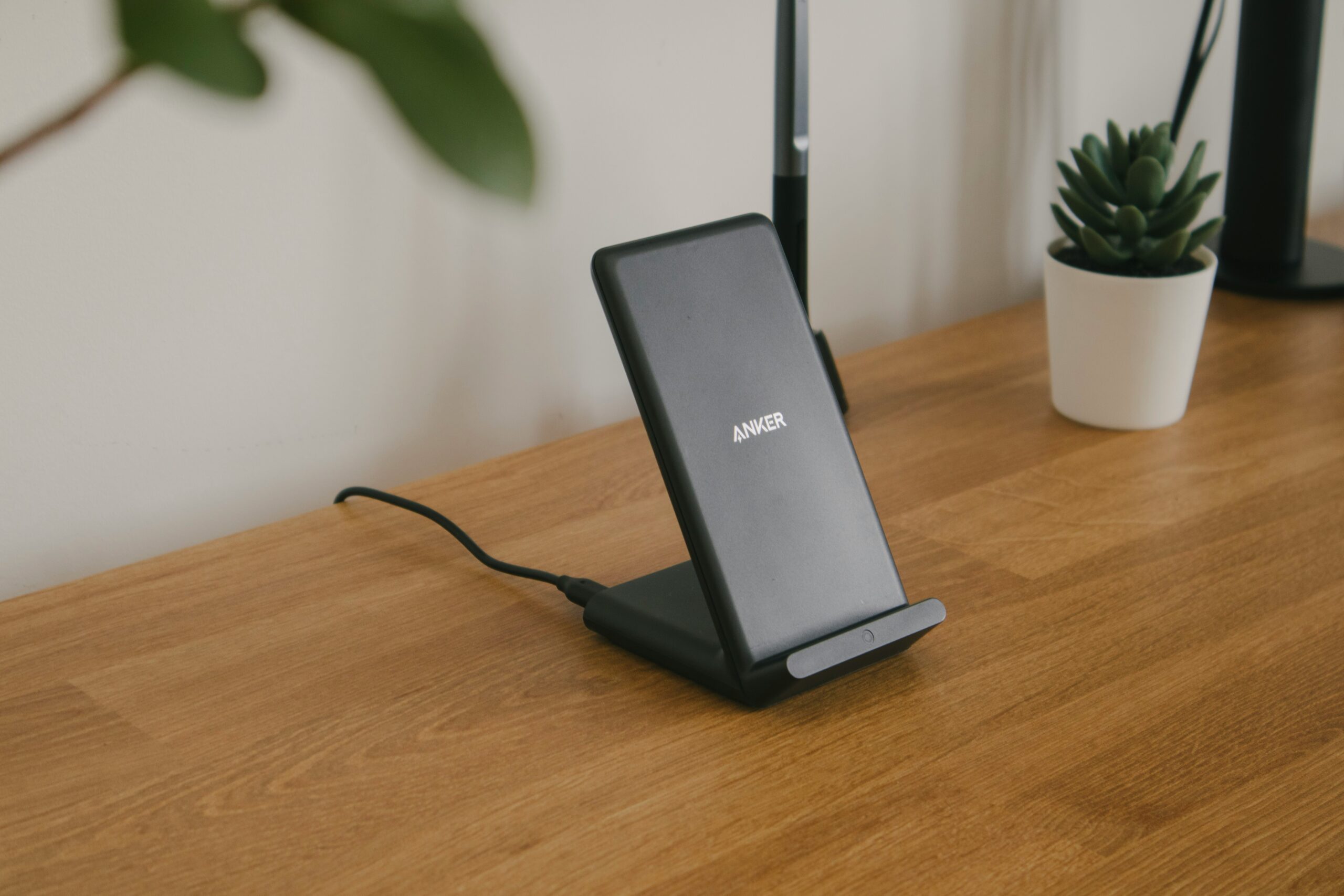
If the charger is for a bedside table or an office desk rather than for carrying around, this magnetic stand does the same job as Apple's for a fraction of the price, with the same 25W figure and the same condition: the mains adapter is what decides. It is the honest answer for anyone on an iPhone 15 or earlier who is never going to use 25W anyway.
View ›
It is the keyboard most desktop Macs end up needing, and the accessory where the commonest buying mistake is not technical: it is the layout. The same reference exists in several keyboard layouts and they are sold through the same listings, so the one thing to check before paying is which one is being sent to you. A keyboard map is not something you can change once the box is open, and it is the difference between typing normally and hunting for three keys for a fortnight.
View ›Which AirPods are the newest in 2026? AirPods 5, on sale from 18 September
The newest AirPods of 2026 are AirPods 5, which Apple lists on its UK page with the label "Available from 18 September" and in two versions, the standard one and the one with the wireless charging case. It is the first time the entry model of the range has had active noise cancellation, and Apple states it as "up to 1.5x more Active Noise Cancellation than AirPods 4 with Active Noise Cancellation".
What that new model does not bring is on the same Apple page, and it is worth knowing before you pre-order: AirPods 5 do not do heart rate sensing and do not include the Hearing Test, the Hearing Aid feature or Hearing Protection. Those remain exclusive to AirPods Pro 3. Battery life with noise cancellation on is up to 4 hours on the standard version and up to 5 on the wireless charging one, against up to 8 on the Pro.
In other words: if what you want is the entry price with noise cancellation, the replacement lands in two days. If what you want is a pair that last a working day or that are any use for training, the gap with the Pro model is not generational, it is a difference in features, and no update is going to close it.

Apple AirPods Pro 3 view ›
They are the only pair in the range that bring together the three things people actually buy AirPods for rather than any other earbuds: the noise cancellation Apple states as up to three times that of AirPods 5, the eight hours with cancellation on against four on the entry model, and the hearing health features and heart rate sensing that no other AirPods in the range have. If you are going to use them every day for work or for training, we would take these over the entry model: the difference is not the sound, it is the battery and what they do on top.
- Apple states their active noise cancellation as up to three times that of AirPods 5 and up to 8 hours of battery with cancellation on, against 4 hours on the entry model and 5 on its wireless charging version (apple.com/uk/airpods, read 16 September 2026).
- They are the only model in the range with heart rate sensing and with the Hearing Test, Hearing Aid feature and Hearing Protection. AirPods 5 and AirPods Max 2 do not have them, on the same Apple comparison.
- The replacement parts have not caught up with this generation yet: of the 107 replacement AirPods ear tip listings with a price read on 16 September 2026 in our register, 58 name the first or second generation and only 6 name the third. That is why this card carries no replacement underneath: fitting a tip that does not declare your model is exactly the mistake this guide is trying to prevent.
- Eight hours with cancellation on, twice the entry model
- Heart rate sensing and hearing health features, in no other AirPods
- Live translation and a pressure sensor for volume
- The dearest AirPods in the range apart from the over-ear model
- Only 6 of the 107 replacement ear tip listings in our register name this generation
Watch the date if you were looking at the cheap model. The AirPods 4 listing on sale today is the one without active noise cancellation, and its replacement with cancellation goes on sale on 18 September 2026 starting very close to it. It is the only product on this page where the recommendation depends on the day you read it.
| Accessory | Fits | What decides compatibility | What it needs on top | |
|---|---|---|---|---|
| Apple AirPods Pro 3 view › | Any iPhone, iPad, Mac or Apple Watch | Nothing: they pair over Bluetooth | Nothing today. The replacement ear tips in the catalogue do not declare this generation | View › |
| Apple Apple Pencil Pro view › | iPad Pro (M4 and M5), iPad Air (M2, M3 and M4) and iPad mini (A17 Pro) | The iPad model, with no exceptions | Replacement tips: that is the part that wears out | View › |
| Apple MagSafe Charger, 1 m view › | iPhone 12 onwards | The generation sets the ceiling: 15W up to the 15, 25W from the 16 | A 30W power adapter or higher | View › |
| Apple AirTag 2nd generation, 4 pack view › | Any iPhone with the Find My app | Nothing: it does not depend on the model | A case with a keyring, because the disc has nothing to hang it by | View › |
| Apple Magic Keyboard view › | Mac and iPad over Bluetooth | The keyboard layout, not the port | Nothing: it recharges over a cable | View › |
Compatibility and wattage figures from Apple's UK pages, read on 16 September 2026. The right-hand column is what you have to buy afterwards, and it is the one almost no listing writes down.
The starting point was not a product, it was a question: which accessory fits which model. To answer it we read, on 16 September 2026, the manufacturer's own UK pages: the Apple Pencil page with its two compatibility lists and its comparison table, the iPhone 17 UK tech specs with their charging footnotes and their box contents, the AirPods range page with its comparison, and Apple's UK store listing of Apple Watch band sizes. The British safety guidance comes from Electrical Safety First, which publishes consumer advice on electrical products in the UK.
The catalogue counts come from m8d's own price register, which reads the price of more than a million products every day across several retailers. The two that appear on this page are dated 16 September 2026 and state the population they were counted over: those retailers are Spanish, and Amazon is outside that register by licence, so neither count includes it. Availability, model names and variants change from one country to another, so what your local Amazon lists may not match this page unit for unit.
The Spanish edition of this guide builds its central section on the gap between a charger's advertised wattage and the wattage a phone accepts. That argument already exists in English on this site, in our wireless charger guide, so this edition does not repeat it: it starts from the box contents instead, and from the accessory the box leaves out. No product is here because it has an affiliate programme: the third-party adapters and the cases are here because they solve something the main product leaves unsolved, and each case says what that something is.
All read on 16 September 2026. Compatibility and wattage come from the manufacturer; the counts come from m8d's price register.
- Apple UKApple Pencil: compatibility lists and comparison tableThe two lists of compatible iPads quoted on this page, and the features that separate Apple Pencil Pro from Apple Pencil (USB-C): pressure sensitivity, double-tap, barrel roll, squeeze, haptic feedback, Find My, free engraving and wireless pairing and charging.
- Apple UKiPhone 17, technical specifications"MagSafe wireless charging up to 25W" and "Qi2 wireless charging up to 25W", both with "30W power adapter or higher" sold separately; "up to 50% charge in 20 minutes with 40W adapter or higher"; and the box contents: iPhone, USB-C Charge Cable (1m) and documentation.
- Apple UKiPhone 16, technical specificationsThe same 25W and 30W figures on the magnetic side, and the 20W adapter over the cable.
- AppleiPhone 15, technical specificationsMagSafe up to 15W and Qi up to 7.5W, which is why a 25W charger changes nothing on this model.
- AppleiPhone 14, technical specificationsLightning connector, magnet array with alignment magnet, and MagSafe up to 15W.
- Apple UKAirPods: the range compared"Available from 18 September" on AirPods 5, "up to 1.5x more Active Noise Cancellation than AirPods 4 with Active Noise Cancellation", the battery figures with cancellation on (4, 5 and 8 hours), and the hearing health features and heart rate sensing that belong to AirPods Pro 3 alone.
- Apple UKApple Watch bands, UK storeThe case sizes Apple's UK store sorts its bands by: 40, 42, 46 and 49 mm, with the Ultra range at 49 mm.
- Electrical Safety FirstChargers: buying and using them safelyThe UK guidance quoted on this page: that counterfeit chargers "have serious safety concerns and may present a higher risk of exploding or catching fire" and "may also damage your device which could void your guarantee", and the advice to "buy your USB charger from a reputable retailer rather than a third-party seller online".
- m8d.iom8d price registerThe two counts on this page, both from 16 September 2026: 7,852 magnetic and Qi2 charger listings, of which 250 state their wattage and 62 mention the mains adapter; and 3,408 Apple Watch strap listings, of which 2,261 mix a small-group and a large-group size in the same title.
What comes in the box with a new iPhone?›
According to Apple's UK tech specs for the iPhone 17: the iPhone, a USB-C Charge Cable of one metre, and the documentation. No power adapter and no MagSafe charger. The same page publishes wireless charging of up to 25W with a 30W power adapter or higher, and 50% in twenty minutes with a 40W adapter or higher, both sold separately.
Which Apple Pencil is compatible with my iPad?›
Apple Pencil Pro only with iPad Pro 13in and 11in (M4 and M5), iPad Air 13in and 11in (M2, M3 and M4) and iPad mini (A17 Pro). Apple Pencil (USB-C) additionally covers iPad (A16), iPad (10th generation), the iPad Pro models before the M series, iPad Air 4th and 5th generation and iPad mini 6th generation. An iPad of the 9th generation or older is on neither list.
Which are the newest AirPods in 2026?›
AirPods 5, which Apple's UK page labels "Available from 18 September", in two versions, the standard one and the one with the wireless charging case. They are the first entry model with active noise cancellation, which Apple states as up to 1.5 times more than AirPods 4 with cancellation. They do not do heart rate sensing and do not include the hearing health features, which remain exclusive to AirPods Pro 3.
Is a 25-watt charger worth it for an iPhone 15?›
It works, but the number is wasted. The iPhone 15 tech specs publish wireless charging of up to 15W with MagSafe and up to 7.5W with Qi, so the ceiling is set by the phone and not by the charger. For that model, paying for 25W changes nothing.
Which Apple Watch strap size do I need?›
Apple's UK store sorts its straps by case size and the sizes it lists are 40, 42, 46 and 49 millimetres, with the Ultra range sitting on its own at 49. What decides is the width of the case, not the year of the watch. In third-party listings the size is usually inside the product page rather than in the title: of 3,408 strap listings our register read on 16 September 2026, 2,261 put a size from each end in the same headline.
Where should I buy the power adapter that is not in the box?›
Electrical Safety First, the UK charity that publishes guidance on electrical products, advises buying a USB charger "from a reputable retailer rather than a third-party seller online, as it may not have passed all the necessary safety checks", and warns that counterfeit chargers may present a higher risk of exploding or catching fire and may damage the device. Whatever you choose, the figure to look for is the wattage: of 7,852 charger listings our register read on 16 September 2026, 250 state it.
If the guide came down to one line: with Apple accessories you do not choose the accessory, you choose from the device you already own, and you budget for the piece the box does not contain. With that settled, these are the three we would take, each for a different reason.
Comments
Be the firstNo sign-up: just a name. Every comment is reviewed before it is published.